

Guide
Invite a connection to your video
Invite one of your connections to review a recorded session video with you.
Overview
Easy•3–5 mins
#activity#connections#videoUpdated 22/10/2026
Invite Connection to Video
Invite a connection to your video
Login – Totum
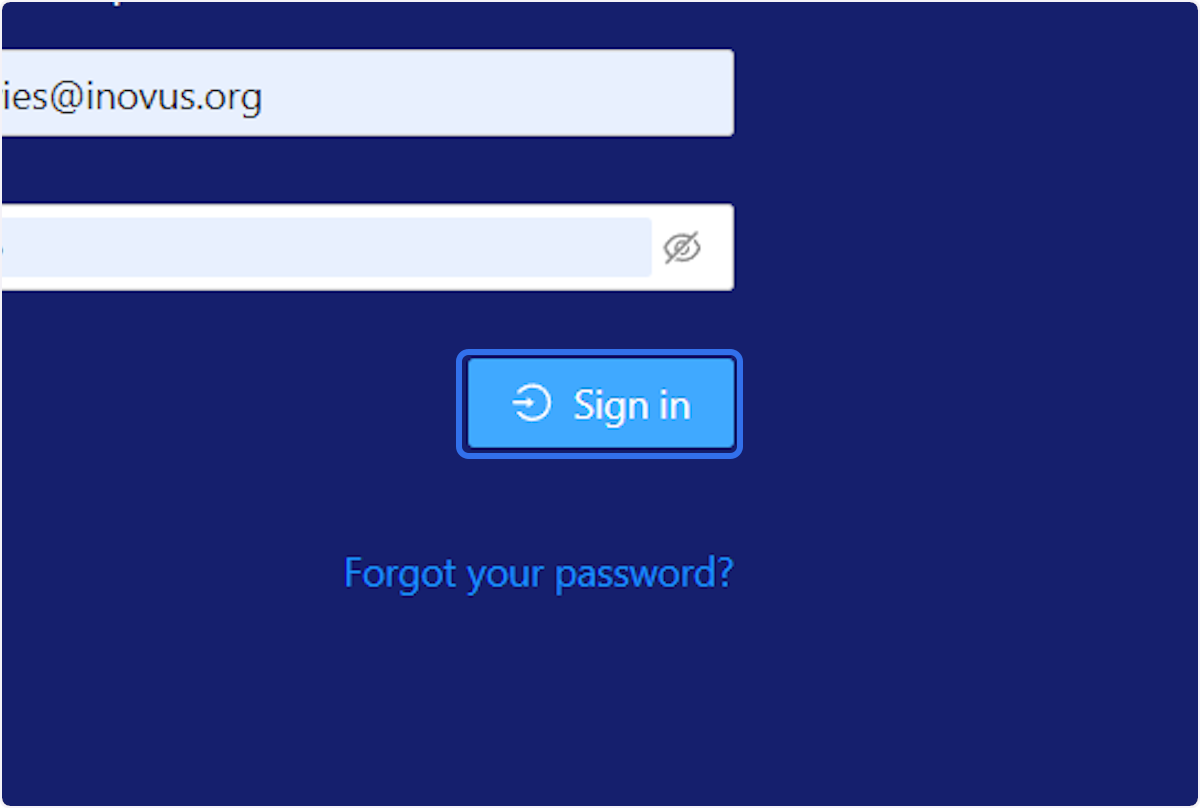
1. Click on Sign in
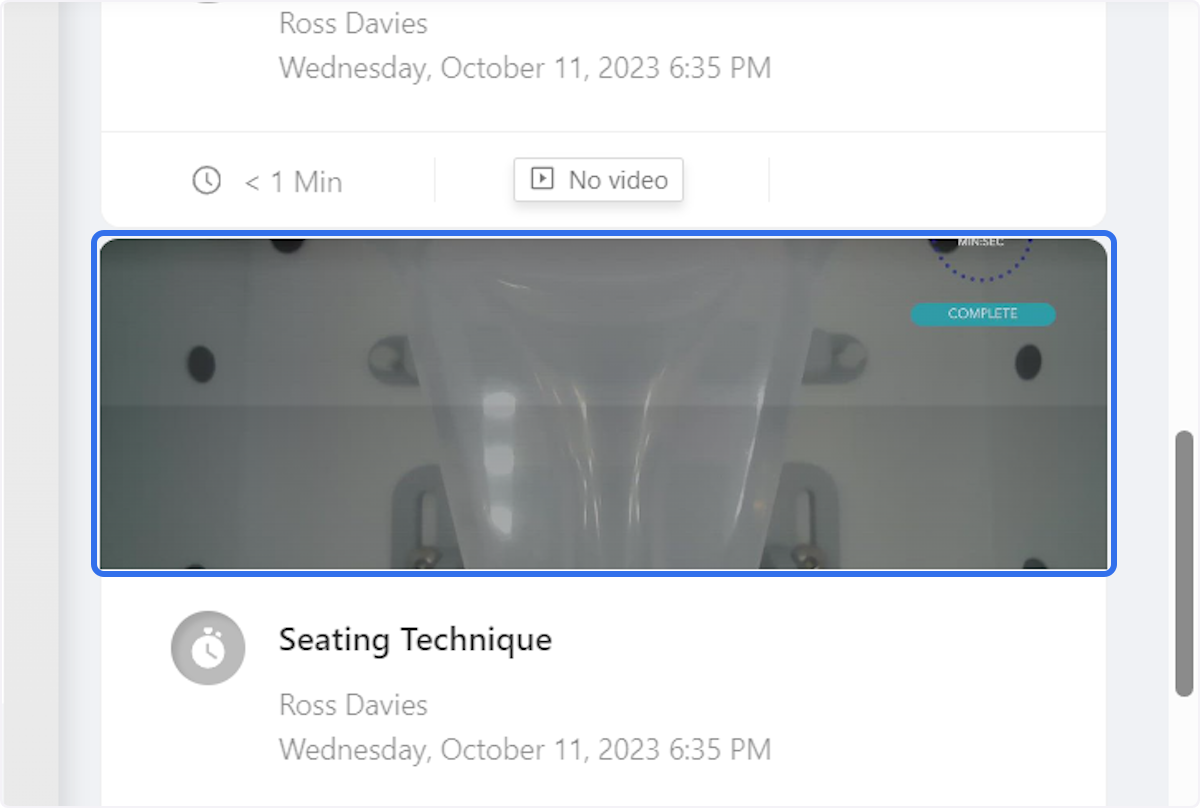
2. Click Video to Review
Click on the video you want to review
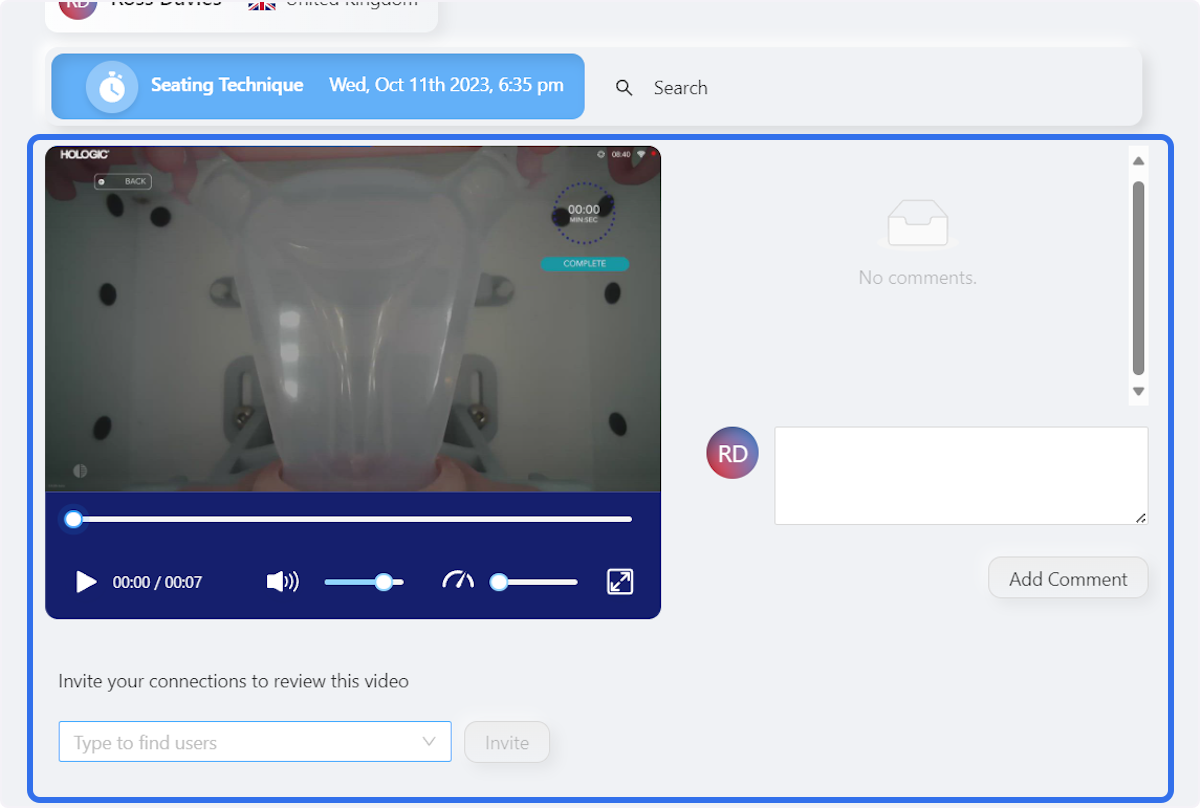
3. Click Seating Technique
Click on Seating Technique Wed, Oct 11th 2023, 6:35 pm
4. Click on a connection
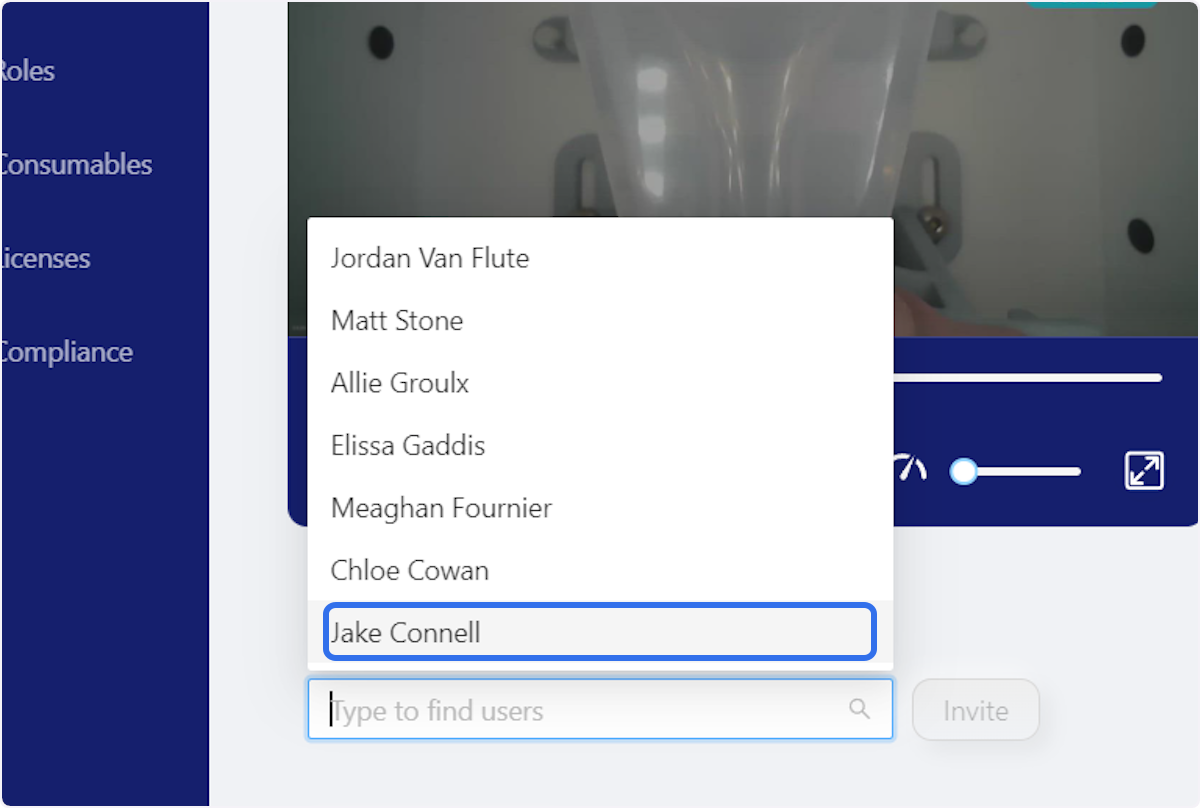
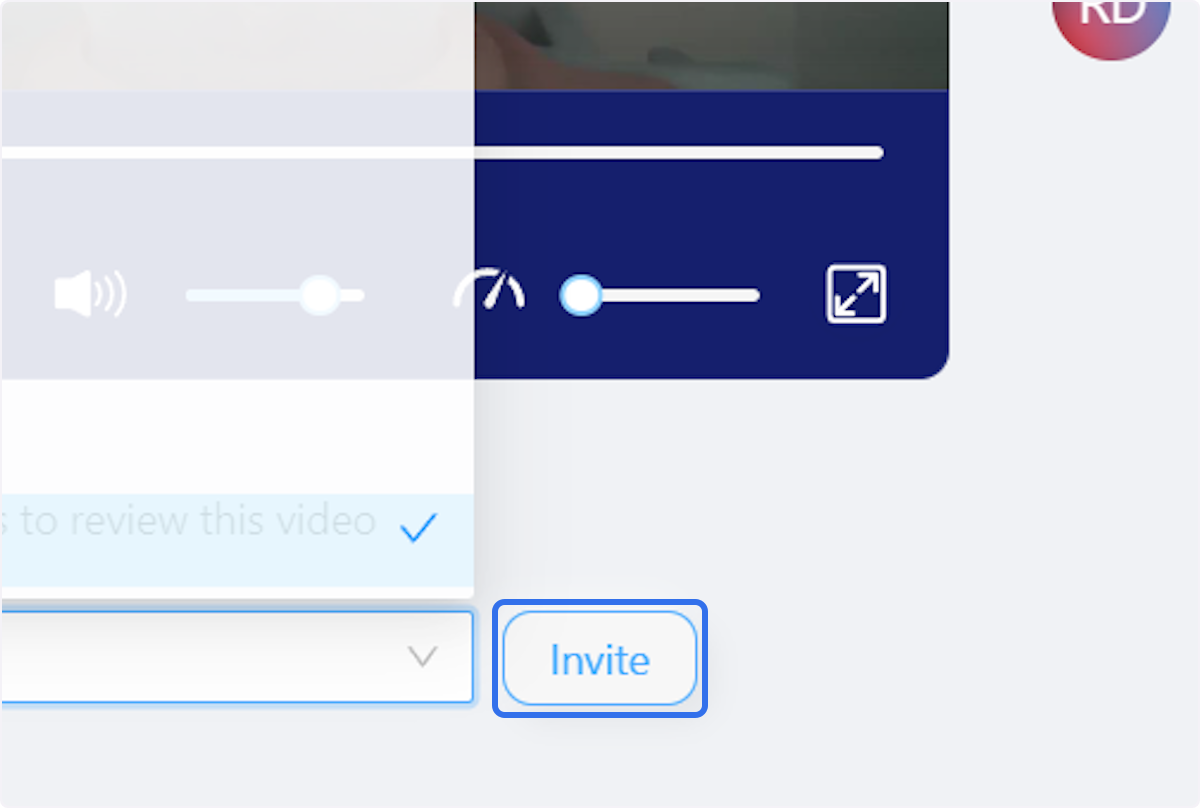
5. Click on Invite
Community Discussions (0)
Real-world experiences from other users around this article.
Did this solve your problem?