

Guide
Viewing a connection's activity
View the recorded video footage and data from a connection's activity.
Overview
Easy•3–5 mins
Requirements
Internet
#connections#activity#videoUpdated 22/10/2026
1. Go to Connections - Totum
2. Click Connection
Click on the connection you wish to view
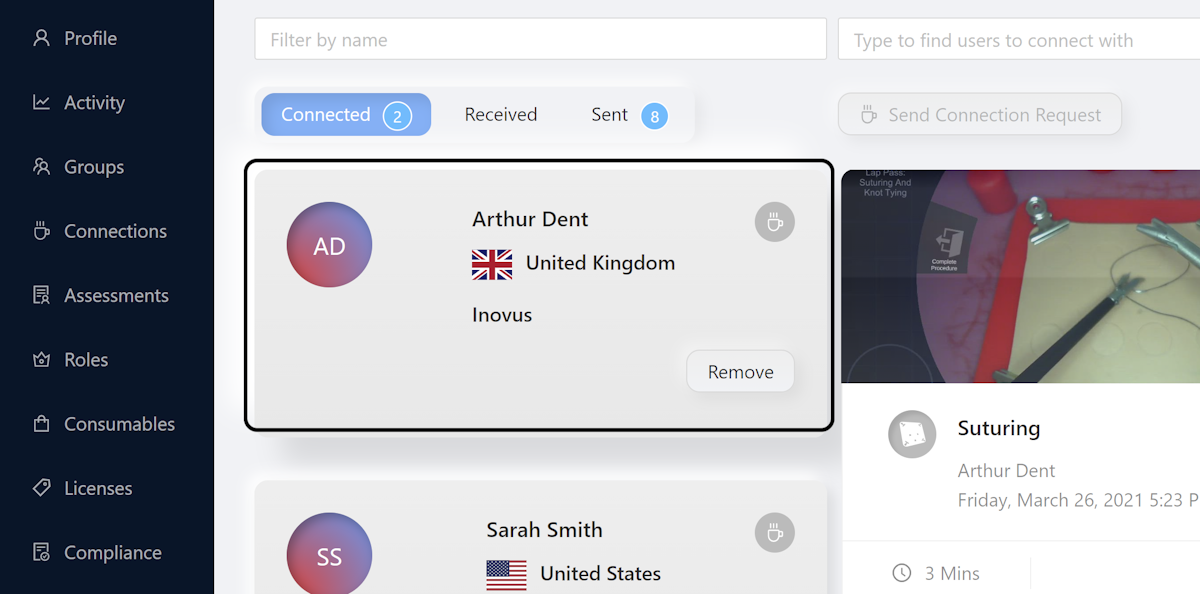
3. Click on Tab
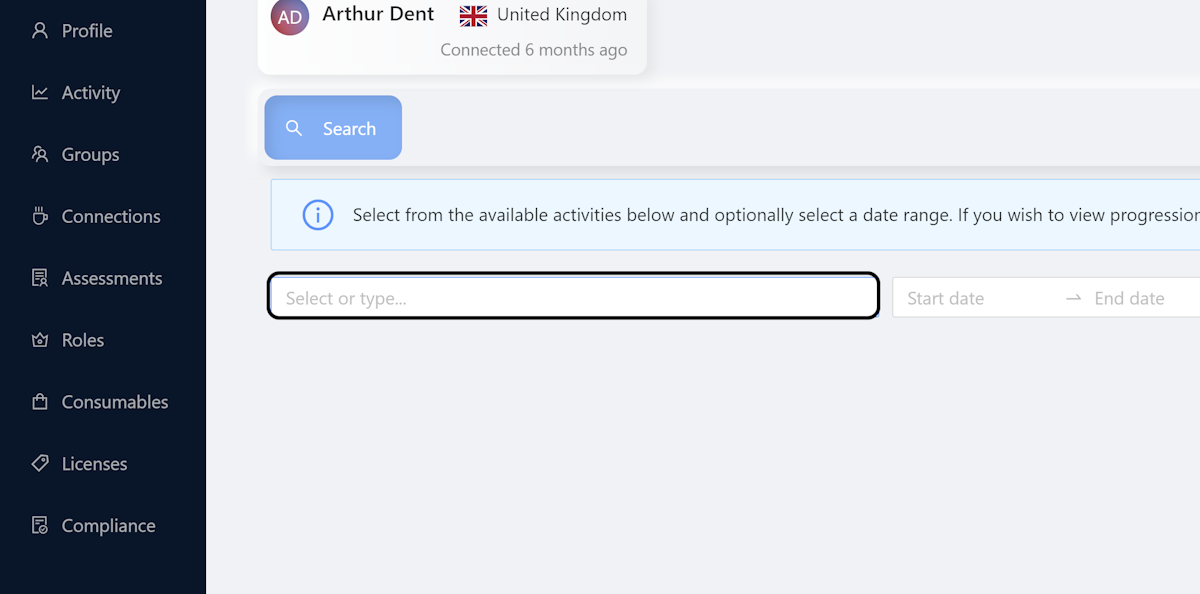
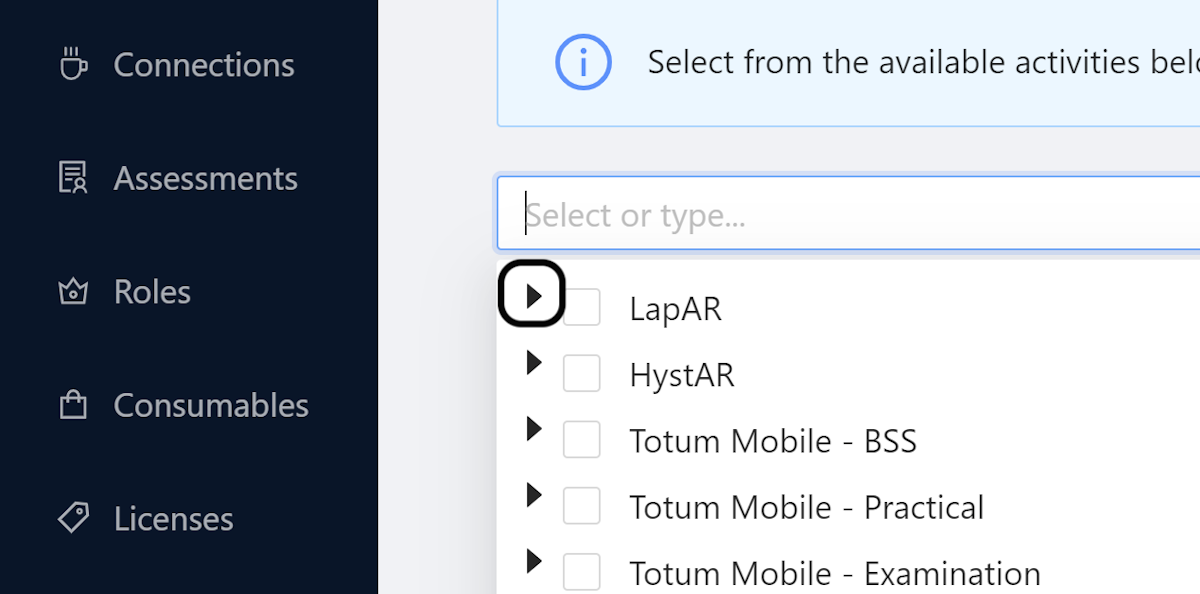
4. Select Procedure
Select the procedure you want to see or leave it blank to view all
5. Click on Search
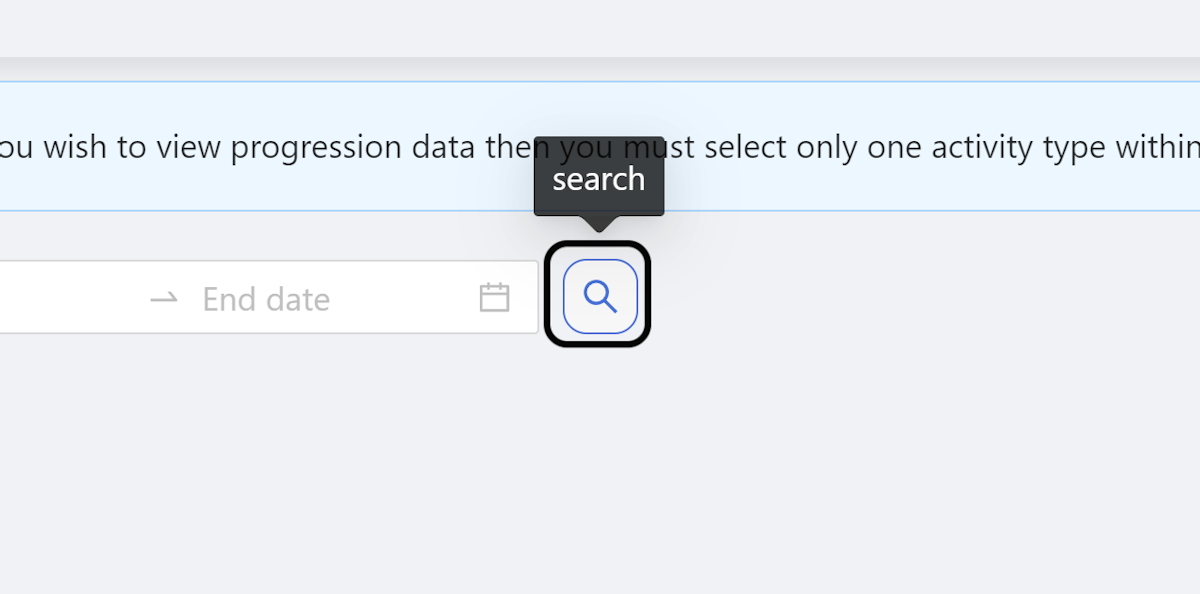
6. Data Appears
The data should appear within a few seconds
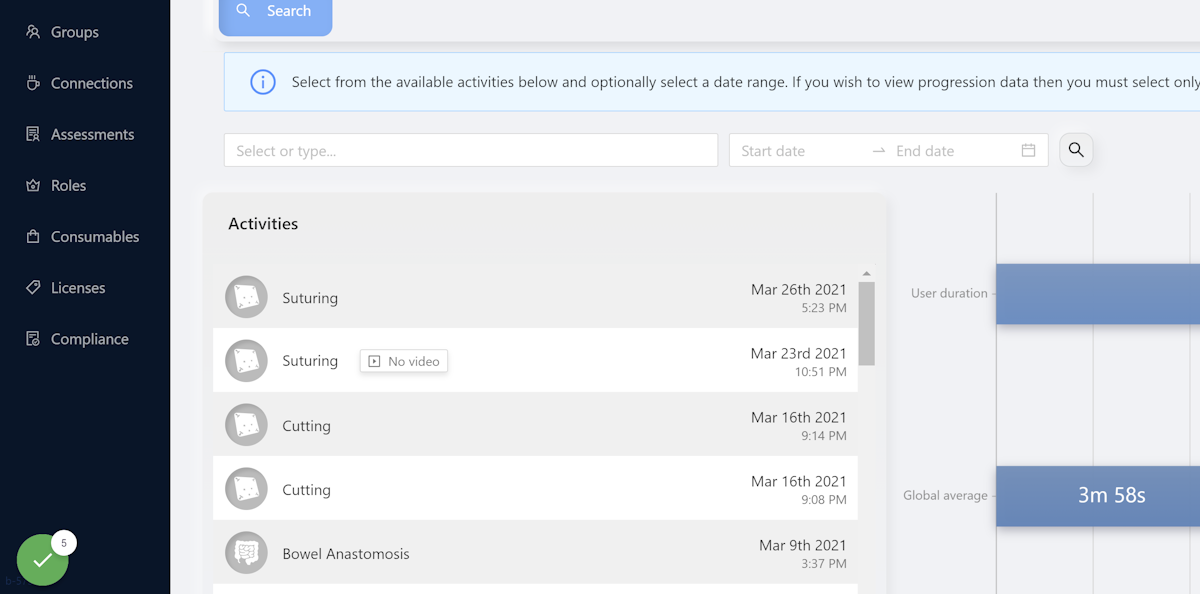
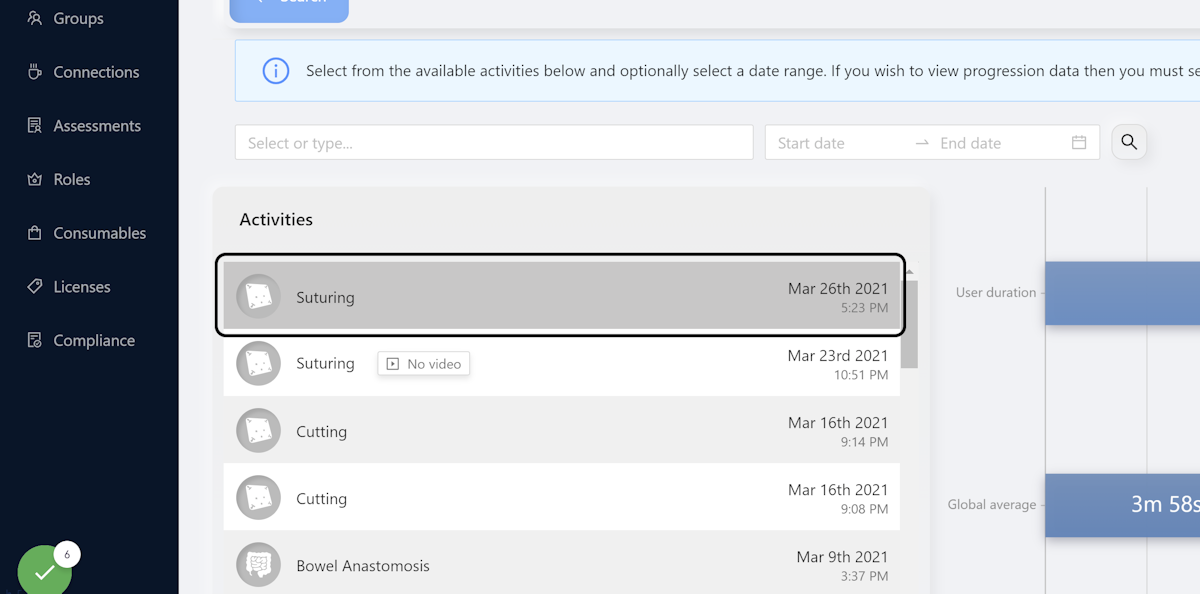
7. Click Procedure
Click the procedure you wish to view
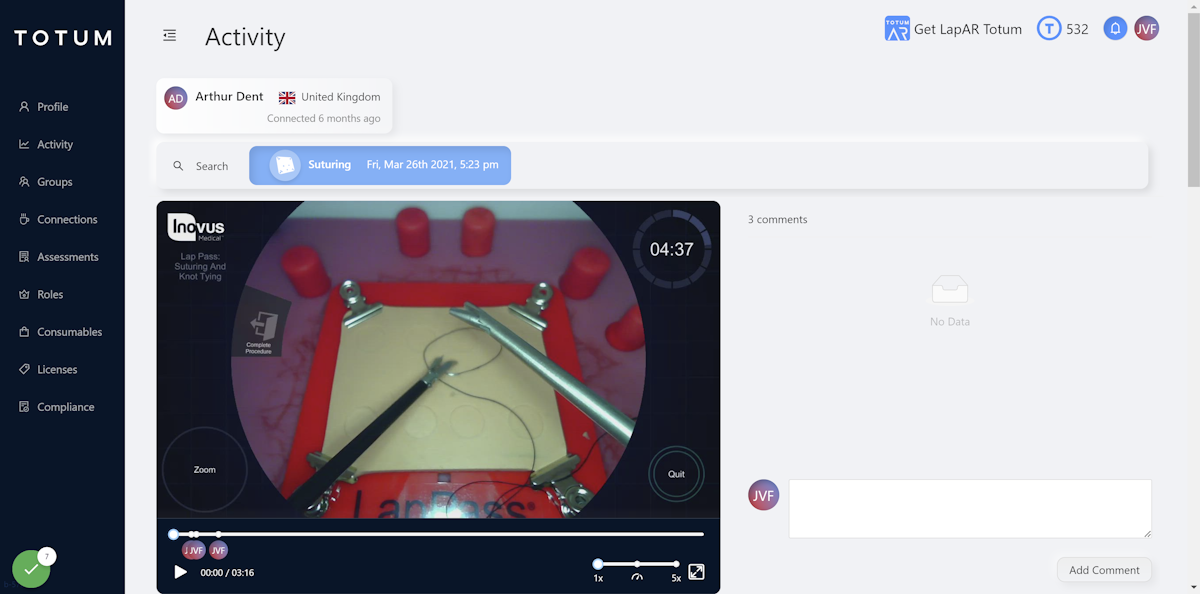
8. View Case Data
View the video footage and data for this specific case
Community Discussions (0)
Real-world experiences from other users around this article.
Did this solve your problem?