

Guide
Connecting with other users
Find and send a connection request to another Totum user.
Overview
Easy•3–5 mins
#connectionsUpdated 22/10/2026
1. Go to Profile – Totum
2. Click on Connections
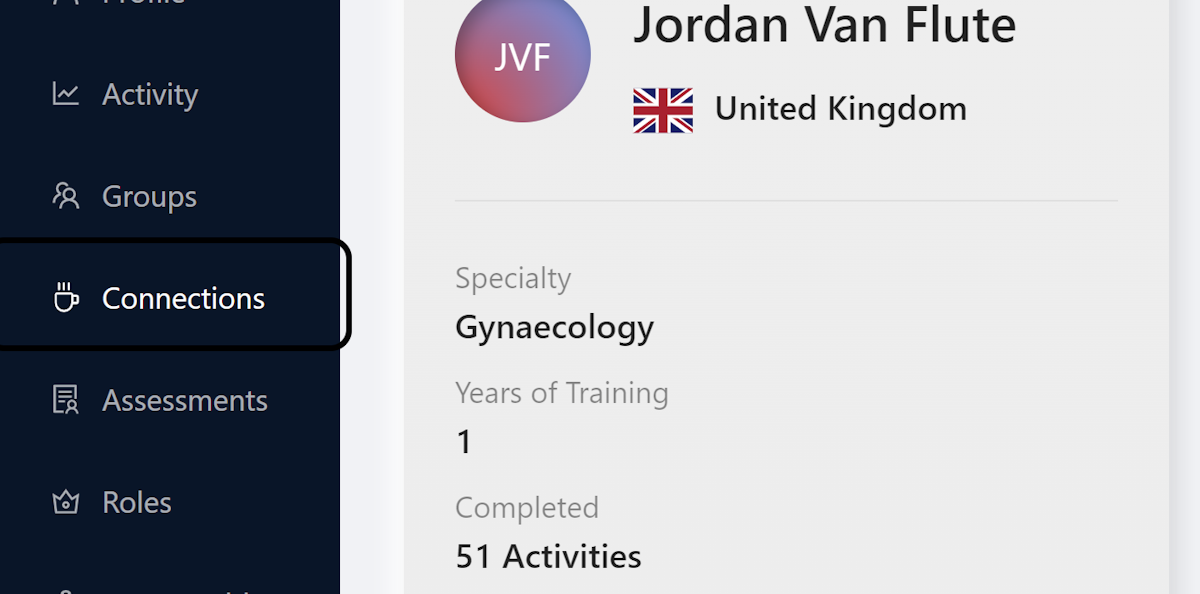
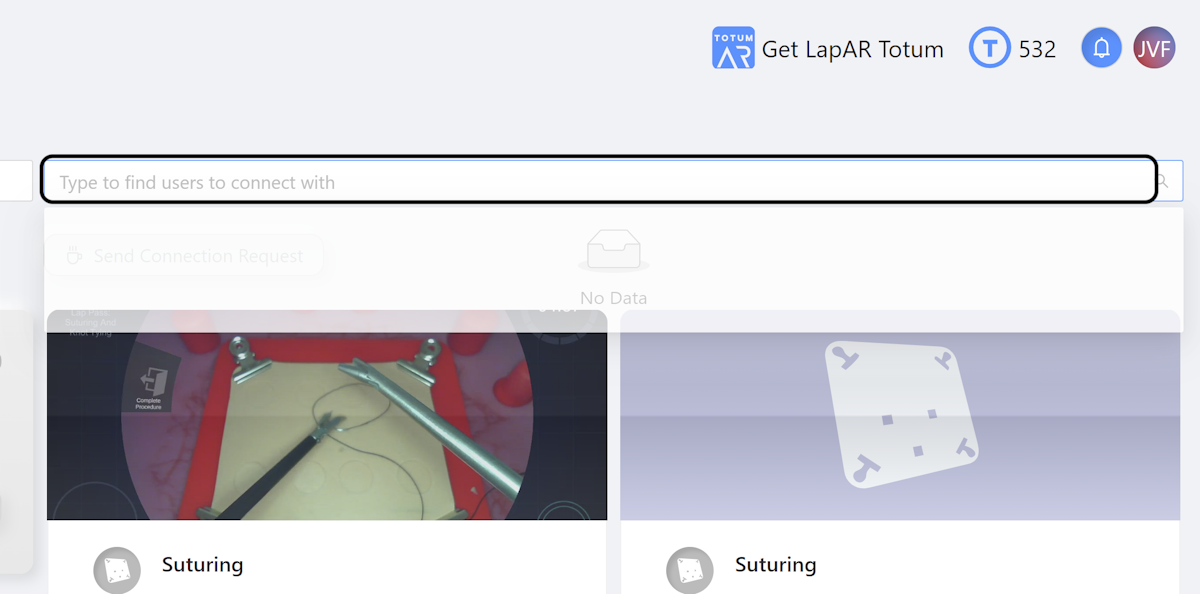
3. Click Type to Find Users
Click on Type to find users to connect with
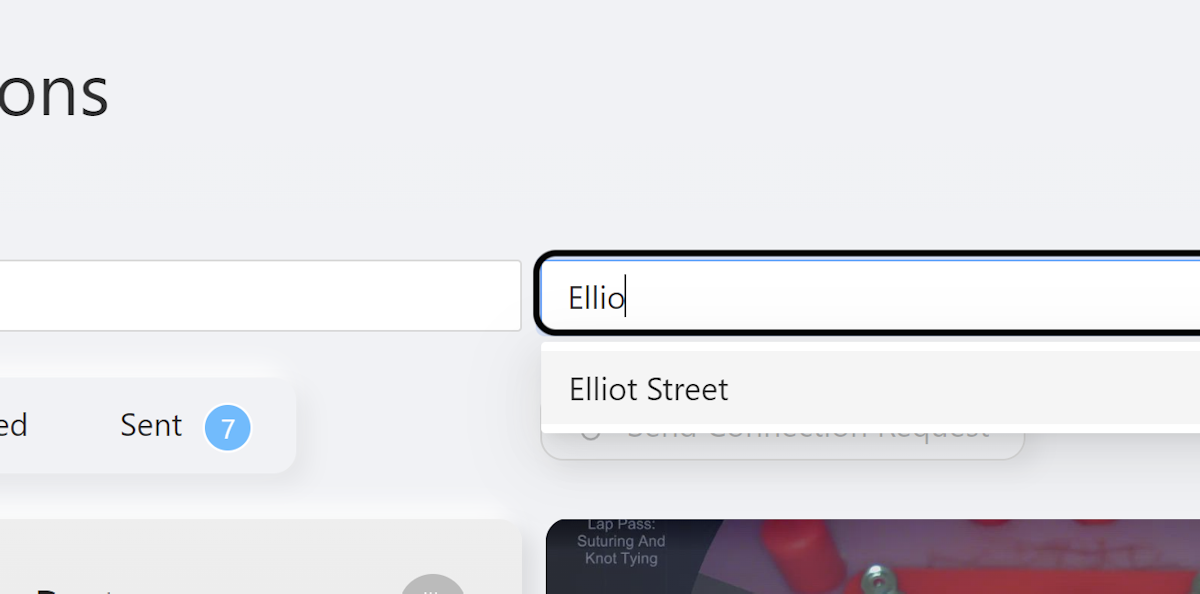
4. Type User Name
Type the name of the user you want to find
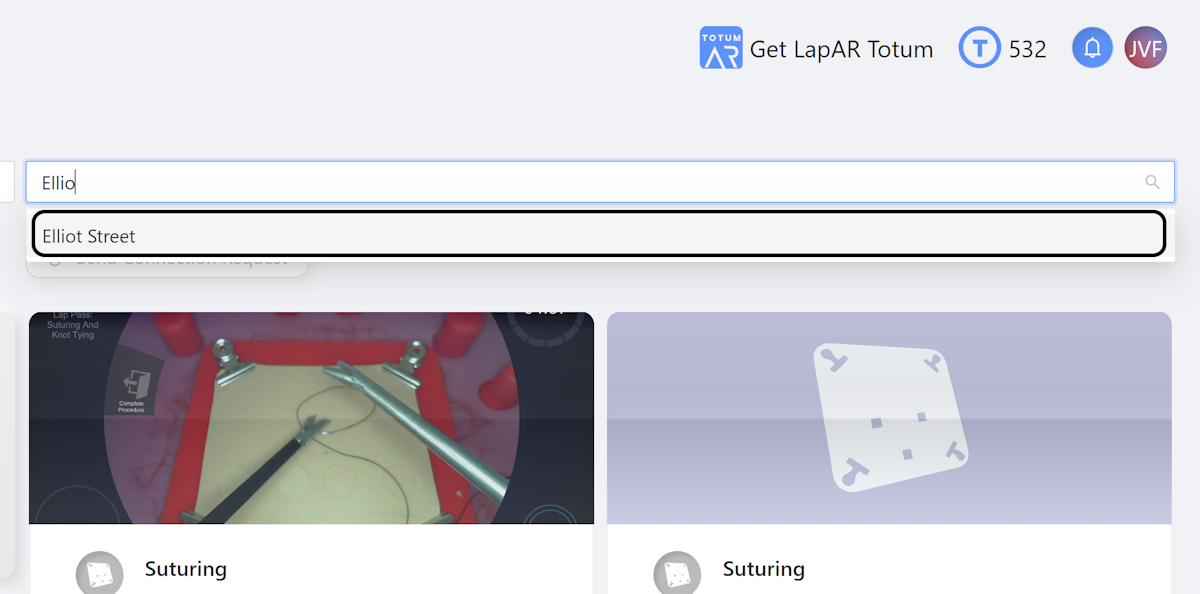
5. Click Name in Dropdown
Click on the name that appears in the dropdown
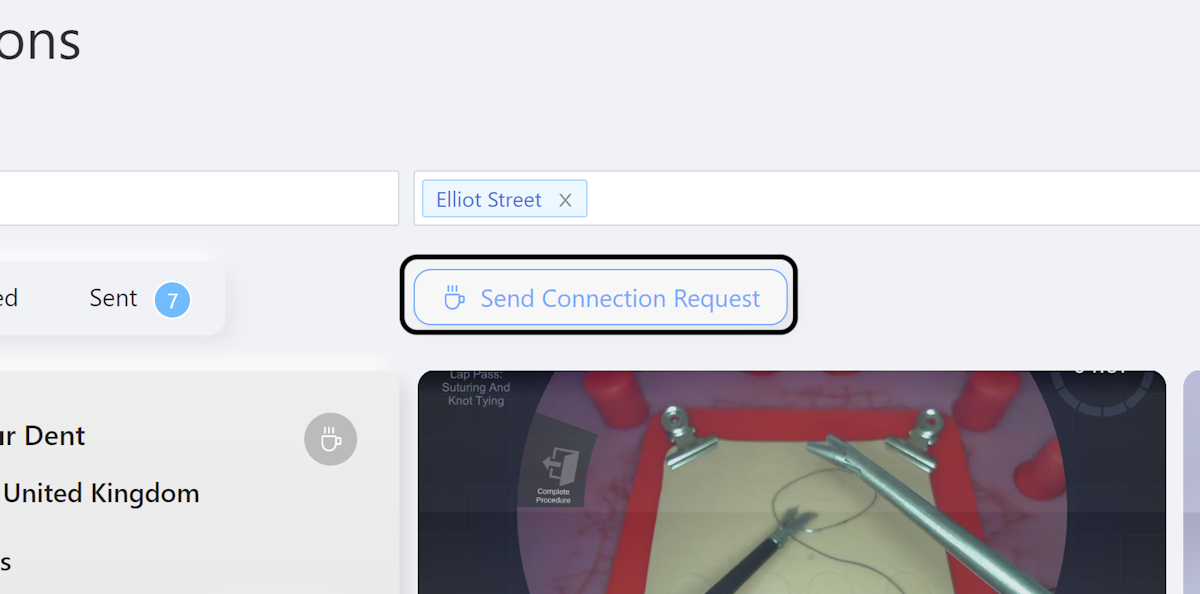
6. Click on Send Connection Request
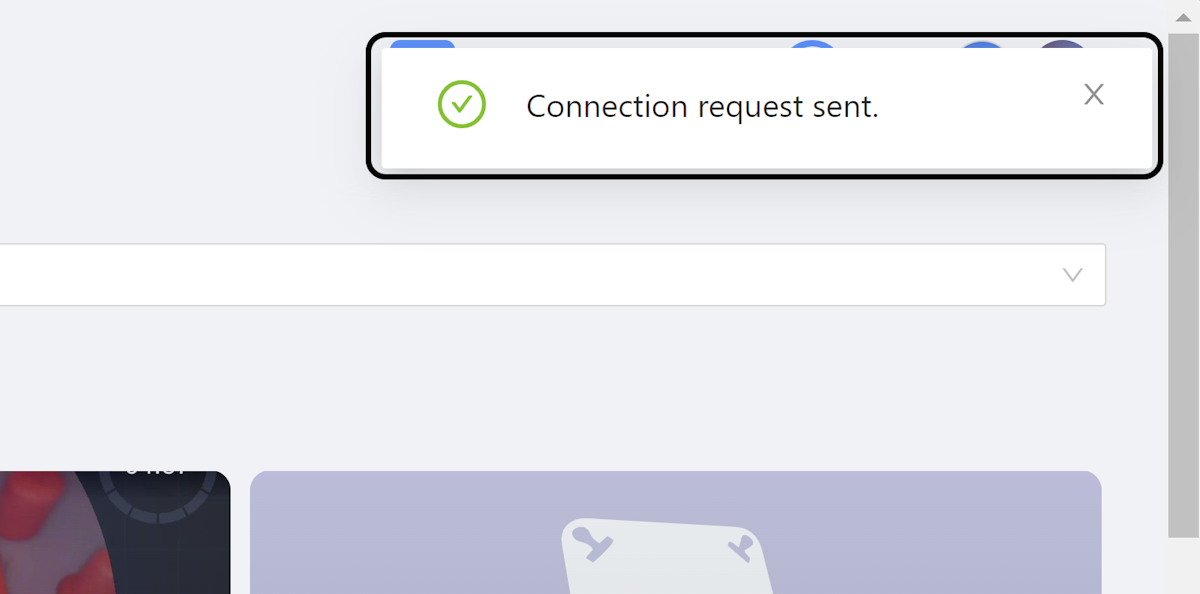
7. Connection Request Sent
You should see the Connection request sent message.
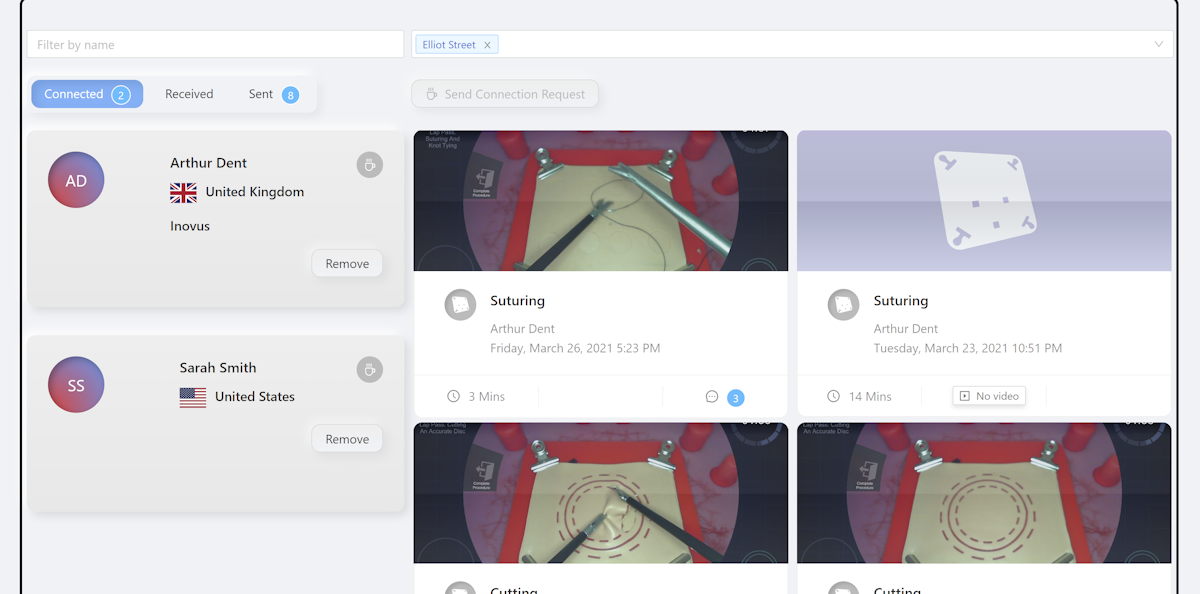
8. View Connections
Now you can see who you are connected with and what they have been up to.
Community Discussions (0)
Real-world experiences from other users around this article.
Did this solve your problem?