

Guide
Creating a new group
Create and name a new group within your organisation's group structure.
Overview
Easy•3–5 mins
#groups#administrationUpdated 22/10/2026
1. Go to Groups – Totum
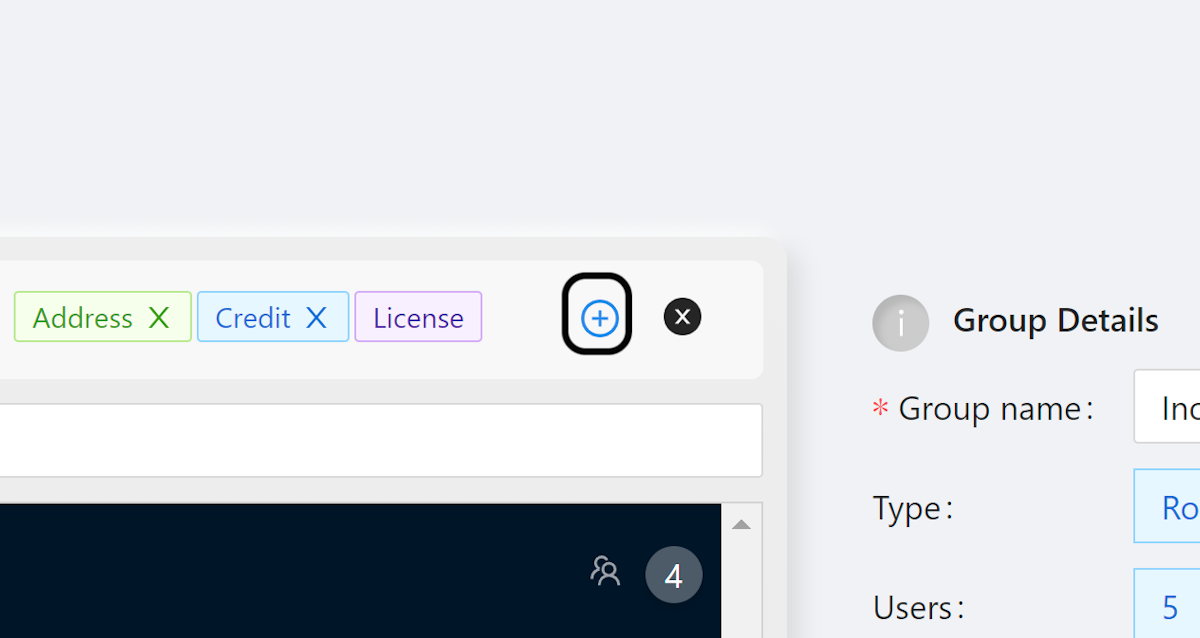
2. Click on plus-circle
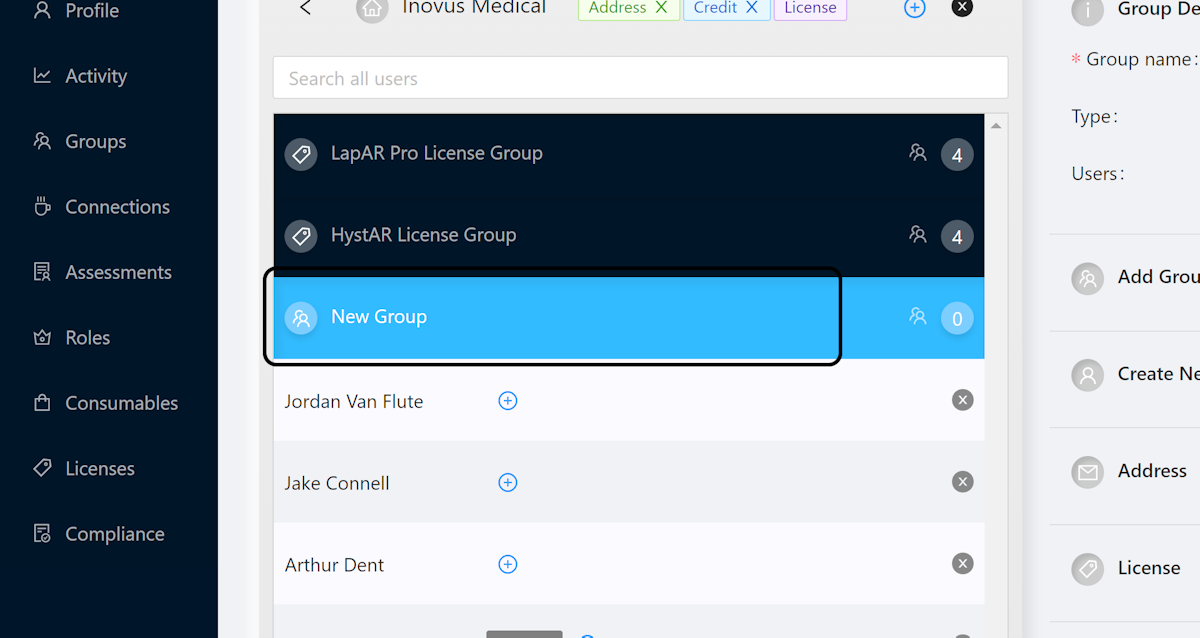
3. Rename New Group
The new group will appear. Click the new group to rename it…
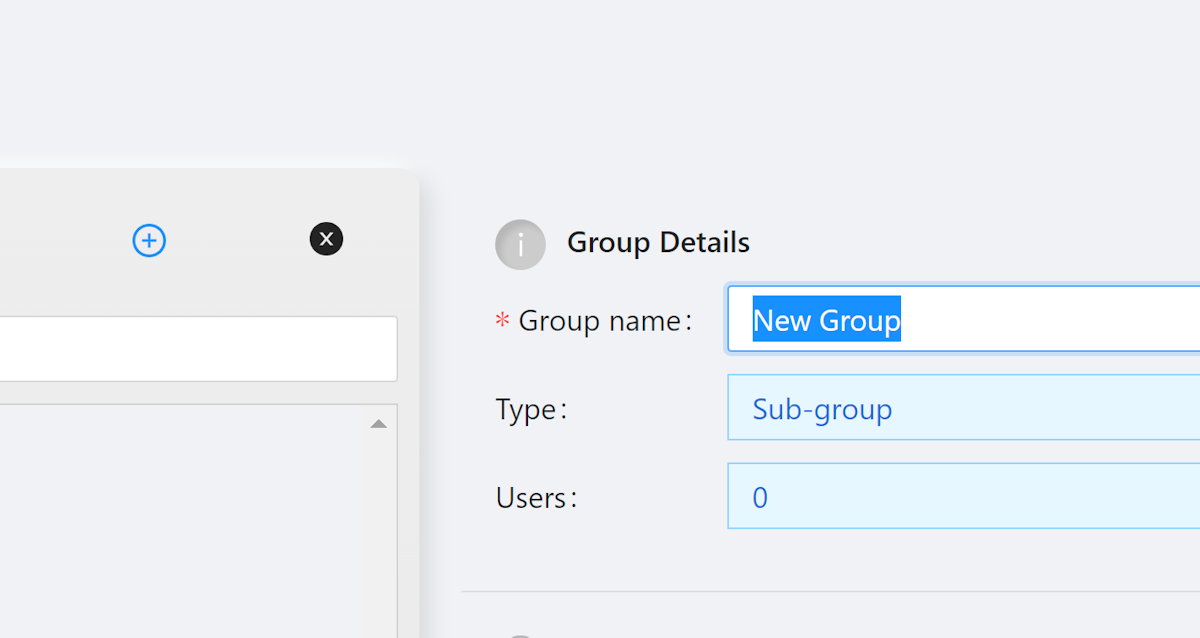
4. Rename the group
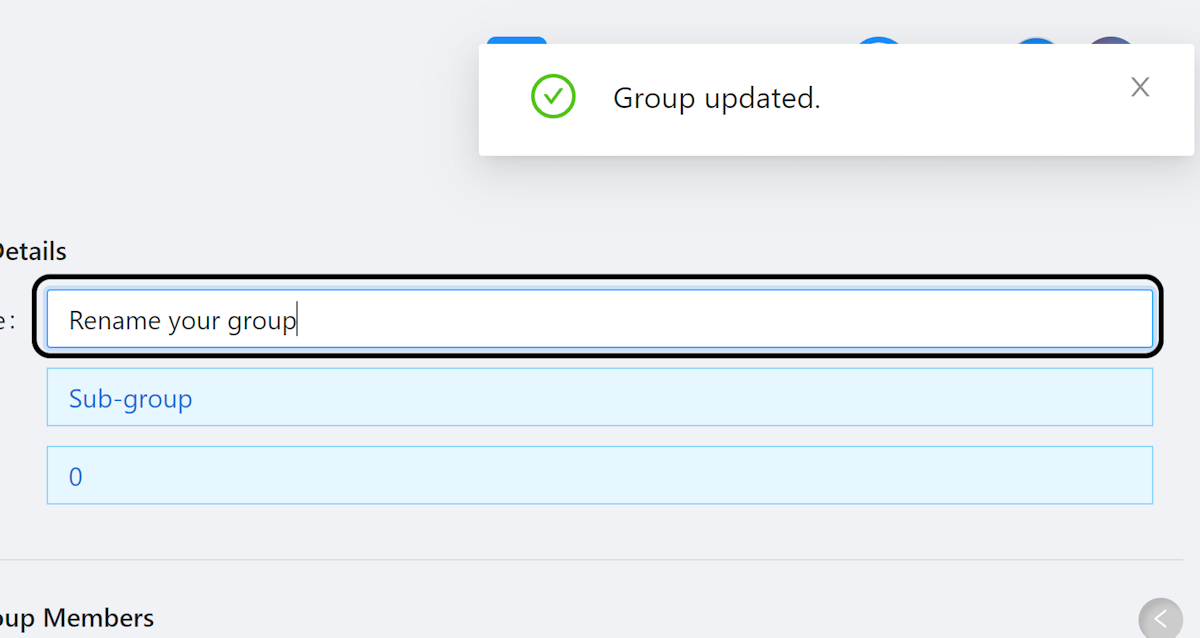
5. Name Saved Automatically
The name will be saved automatically.
Community Discussions (0)
Real-world experiences from other users around this article.
Did this solve your problem?