

Guide
Modifying address details
Update the address details for your organisation (root group) or an individual user.
Overview
Easy•3–5 mins
Requirements
Internet
#groups#address#administrationUpdated 18/10/2026
1. Go to Groups – Totum
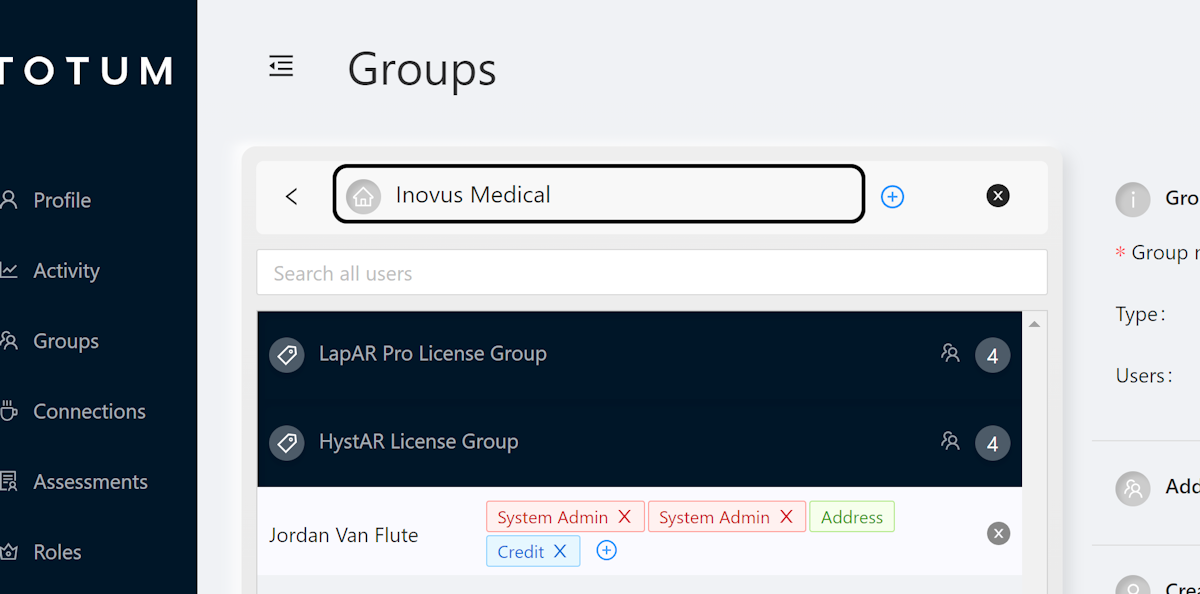
2. Click Org Name
Click on your org name also referred to as the root group
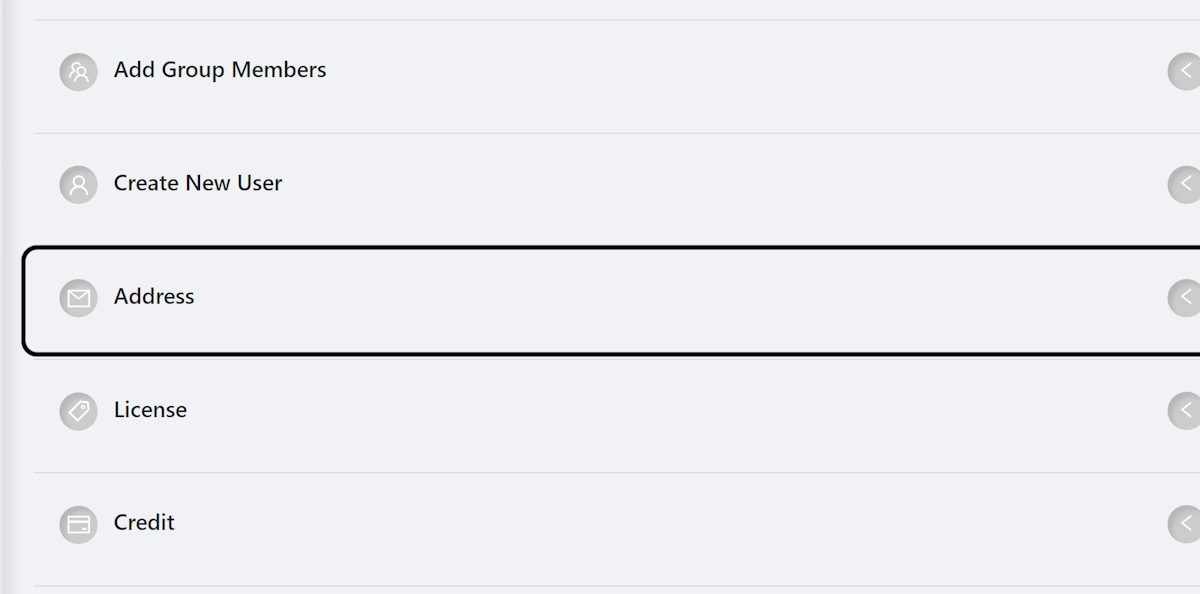
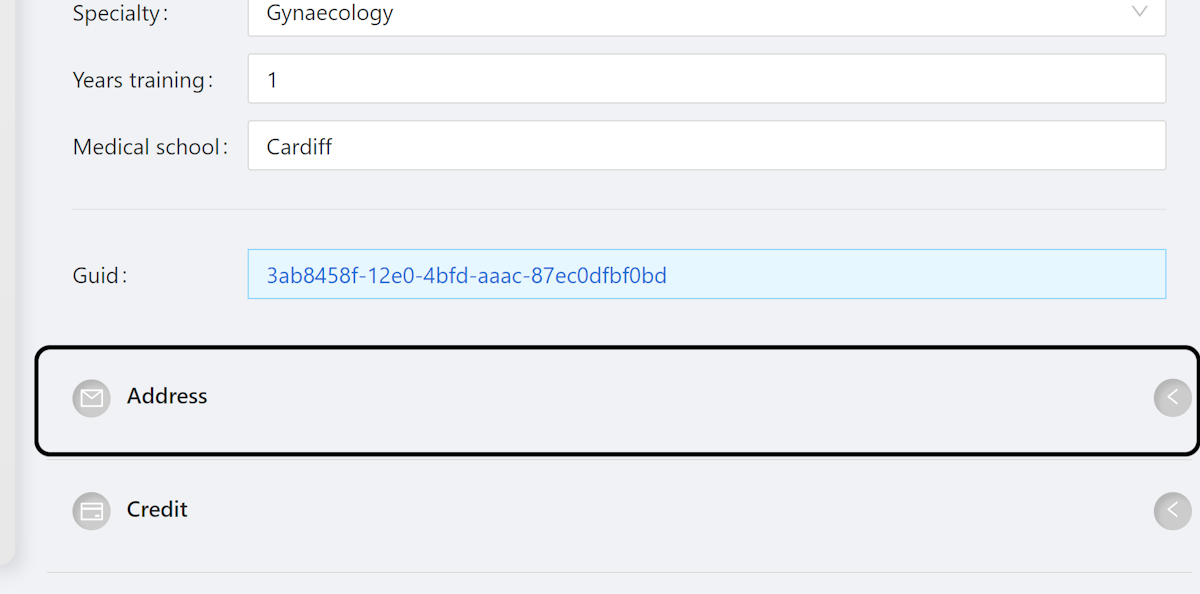
3. Click on Address
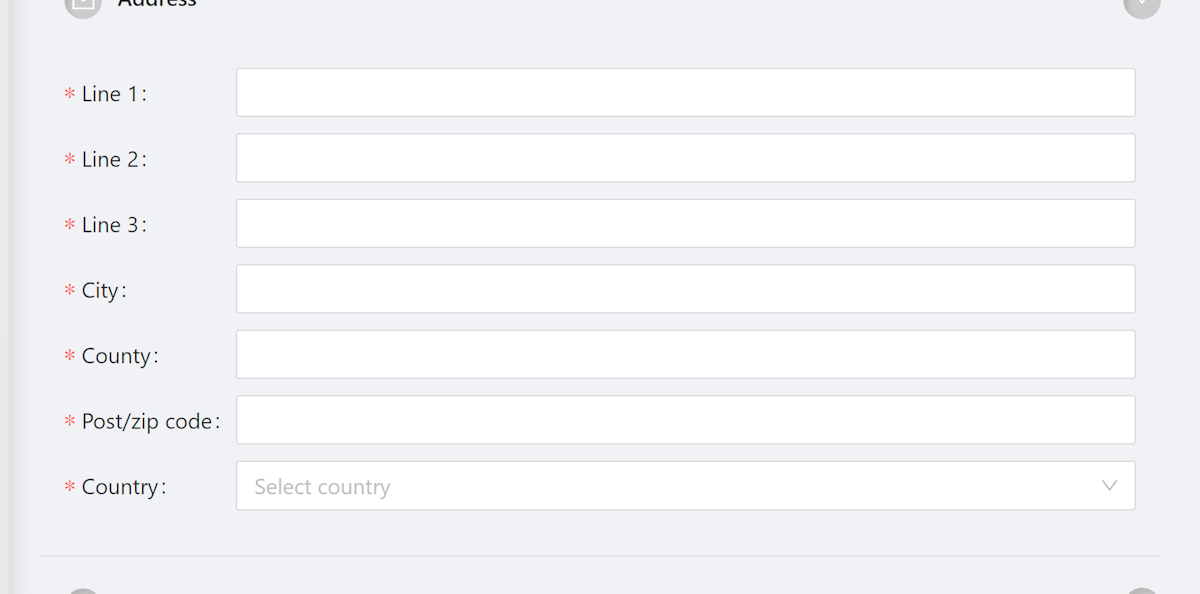
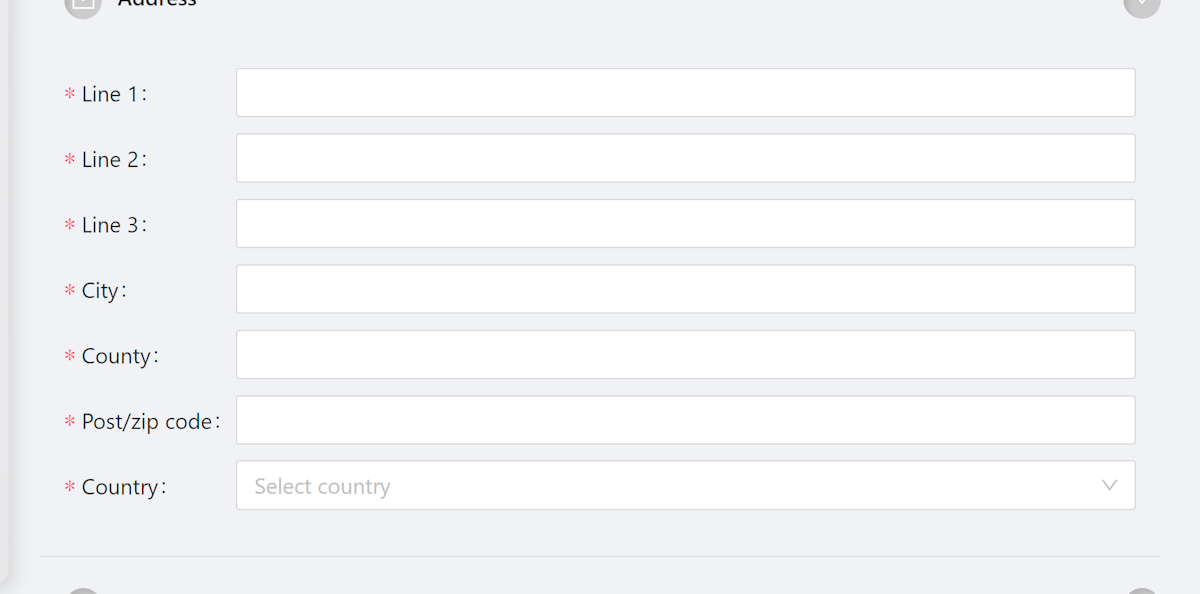
4. Modify as required
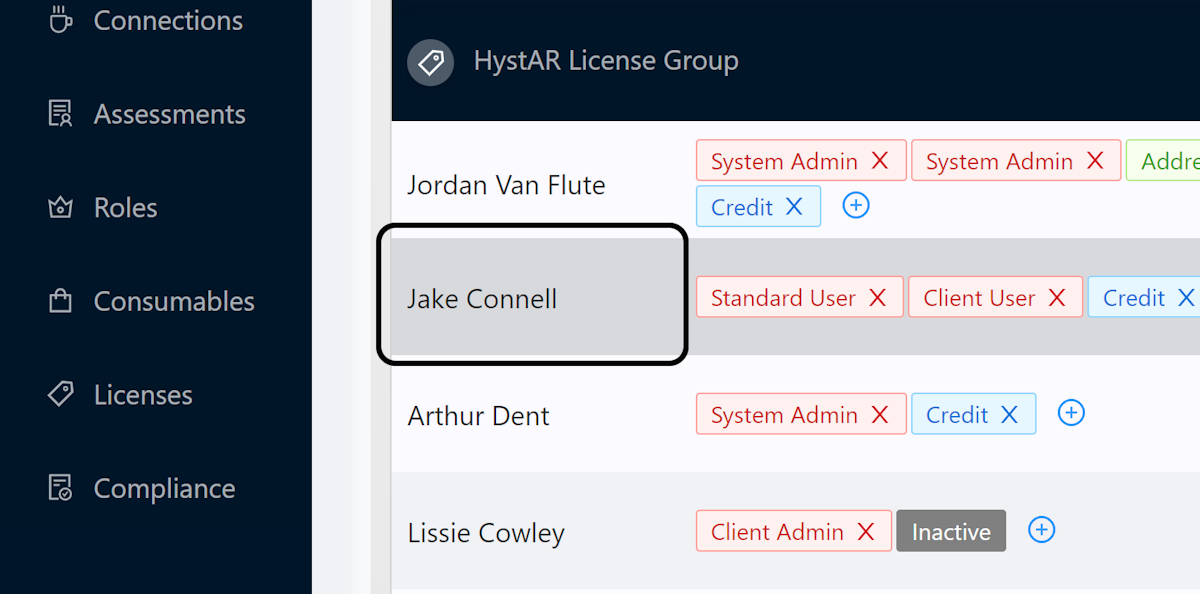
5. Repeat for User
For a user, repeat this same process by clicking the user's name in the groups list
6. Click on Address
7. Complete as required
Community Discussions (0)
Real-world experiences from other users around this article.
Did this solve your problem?