

Guide
Creating a new user
Create a new user and assign them a role within your organisation.
Overview
Easy•3–5 mins
#groups#users#administrationUpdated 21/10/2026
1. Go to Groups
Go to totum.surgery and select ‘Groups’ from the sidebar
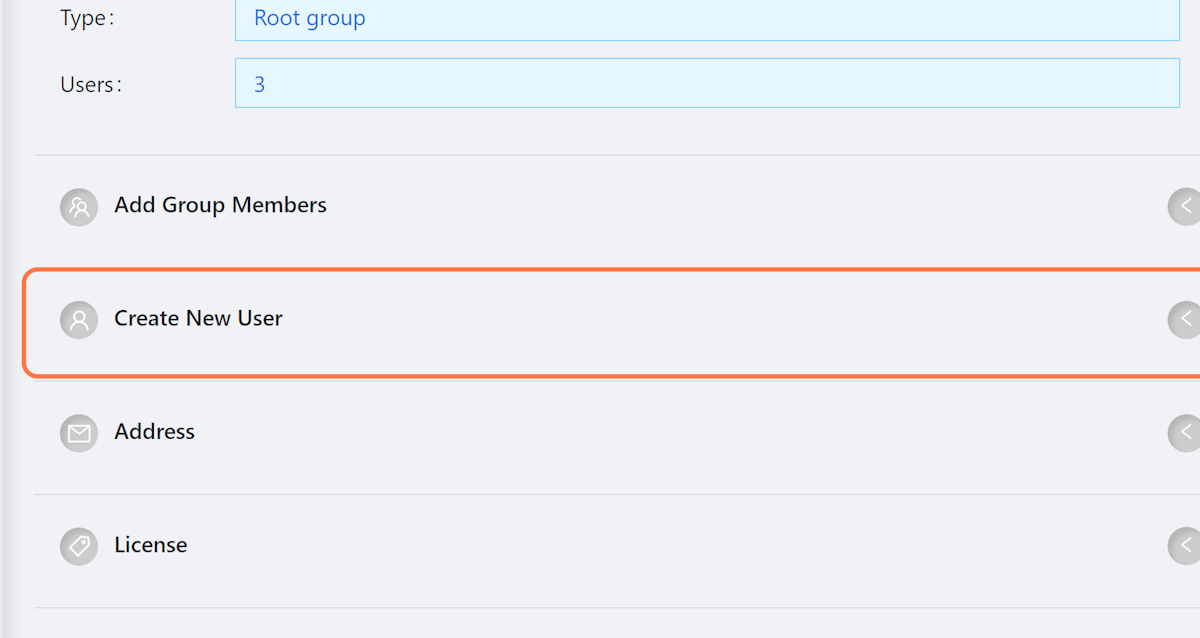
2. Click on Create New User
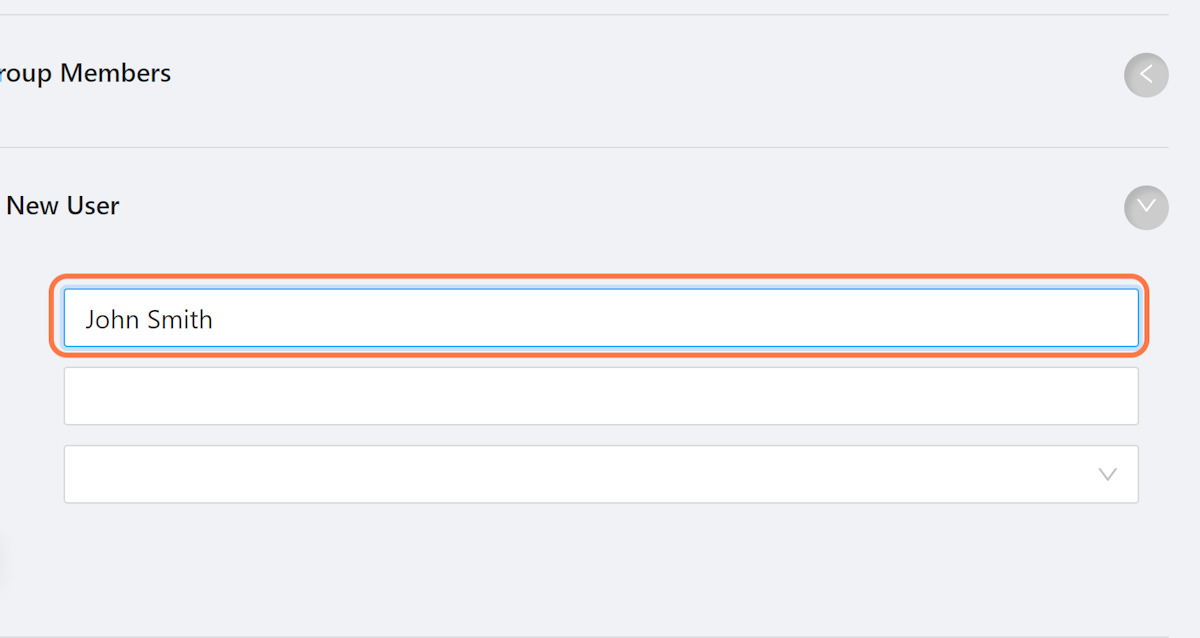
3. Click on Full name
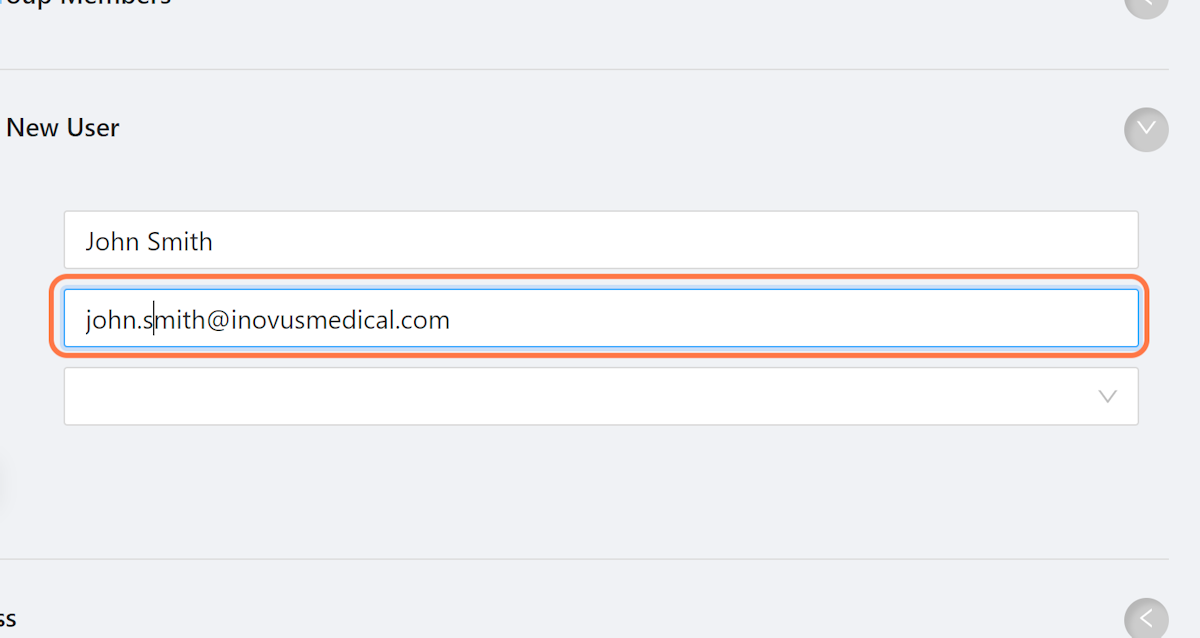
4. Click on Email
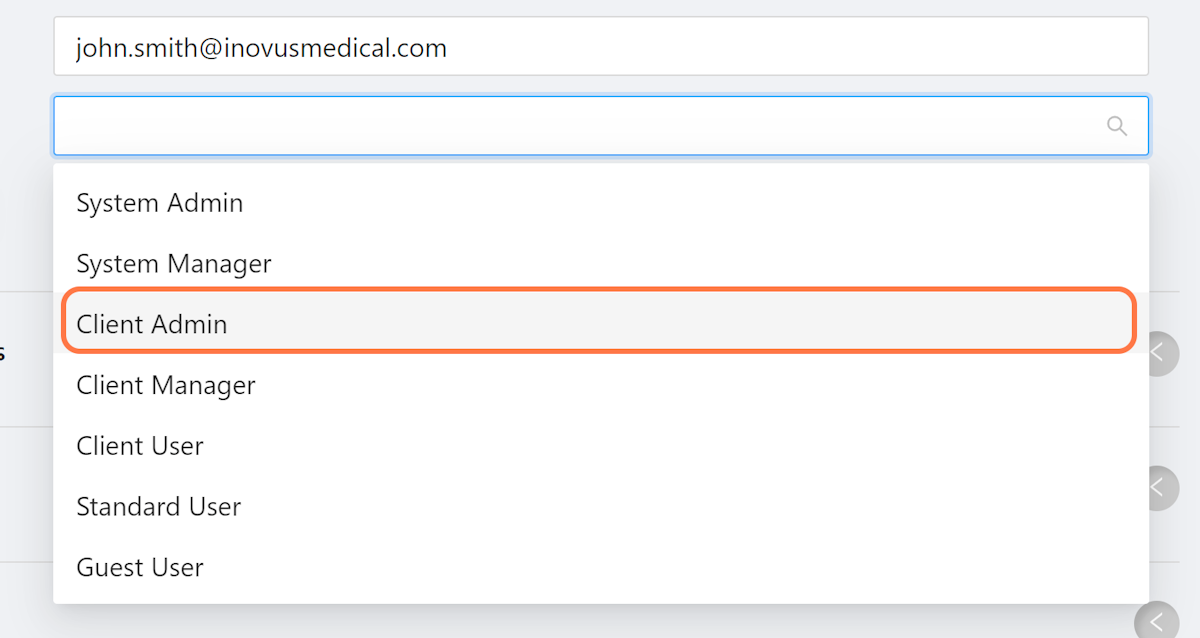
5. Select the desired user role
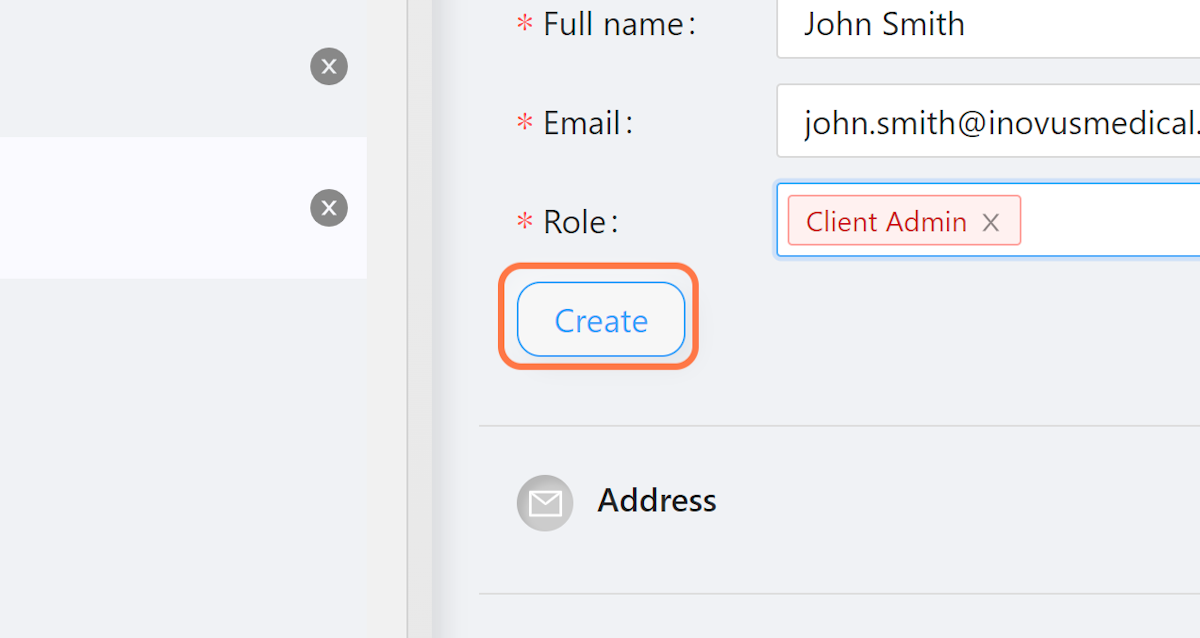
6. Click on Create
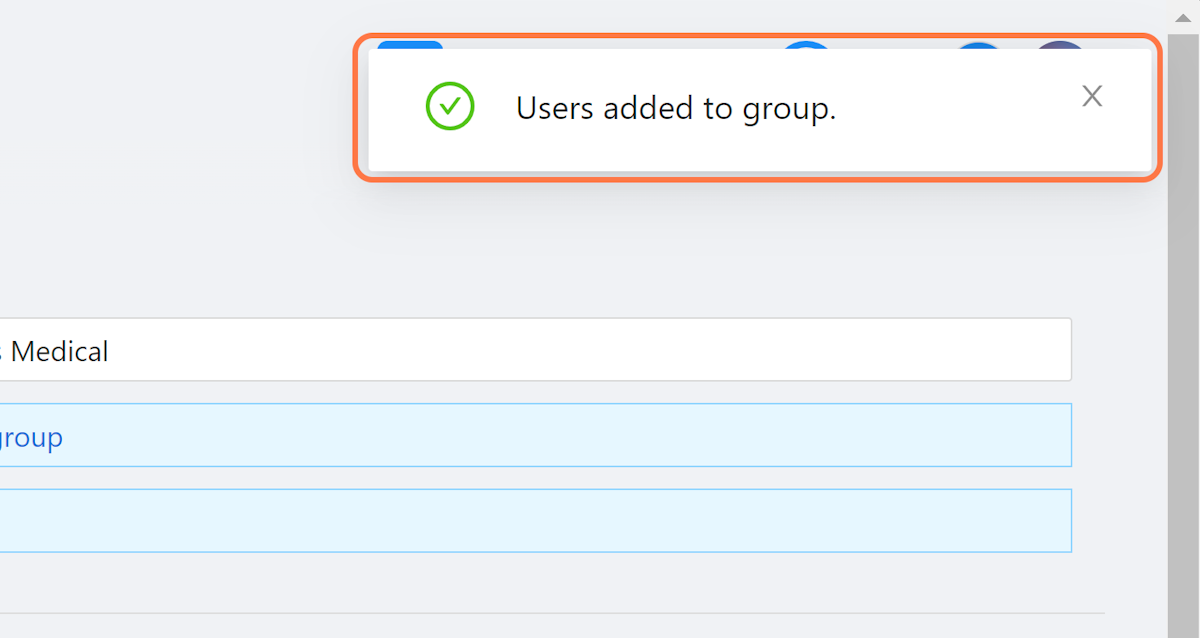
7. View Success Message
When a user is added to a group successfully you will see this message.
Community Discussions (0)
Real-world experiences from other users around this article.
Did this solve your problem?