
SupportBack to inovusmedical.com
SupportBrowse articlesCommunity DiscussionsSign in
Support

Self-service technical support, hardware setup guides and Totum user guides from the Inovus Medical team.

Back to inovusmedical.com

Support

  • Support Center
  • Browse articles

Policies

  • Warranty Information
  • Returns & Refunds
  • Delivery Information
  • Customs Information

Legal

  • Privacy Policy
  • Terms of Use
  • Cookies

© 2026 Inovus Medical Ltd. All rights reserved.

Support Center

Hardware
  • How do I clean my simulator?
  • I am using QuickTime player for Mac to run my camera and the image is inverted (flipped round), how do I fix this?
  • I've purchased a Pyxus HD or Pyxus HD Move simulator and cannot get the camera to work (Mac and Windows users)
  • I've purchased a Pyxus HD or Pyxus HD Move simulator but can't access or log on to LapSkills, what should I do?
Product Videos
Software
  • I have an issue with the Totum software
  • The camera is black or not showing in Totum, how do I fix it?
  • Adding Group Members
  • Adding users to licence groups
  • Assigning roles
  • Creating a new group
  • Creating a new user
  • Modifying address details
Accounts
Downloads
Assessments
Groups
Connections
Permissions
  • Assigning roles
Administration
Policies
  • Customs Information
  • Delivery Information
  • My order has arrived damaged or with a missing item
  • Returns & Refunds
  • Warranty Information
Support CenterSoftwarePermissions
Guide

Assigning roles

Assign a role to a user to control their permissions within a group.

Overview
Easy•3–5 mins
#groups#roles#permissionsUpdated 22/10/2026

1. Go to Groups – Totum

2. Click on plus-circle
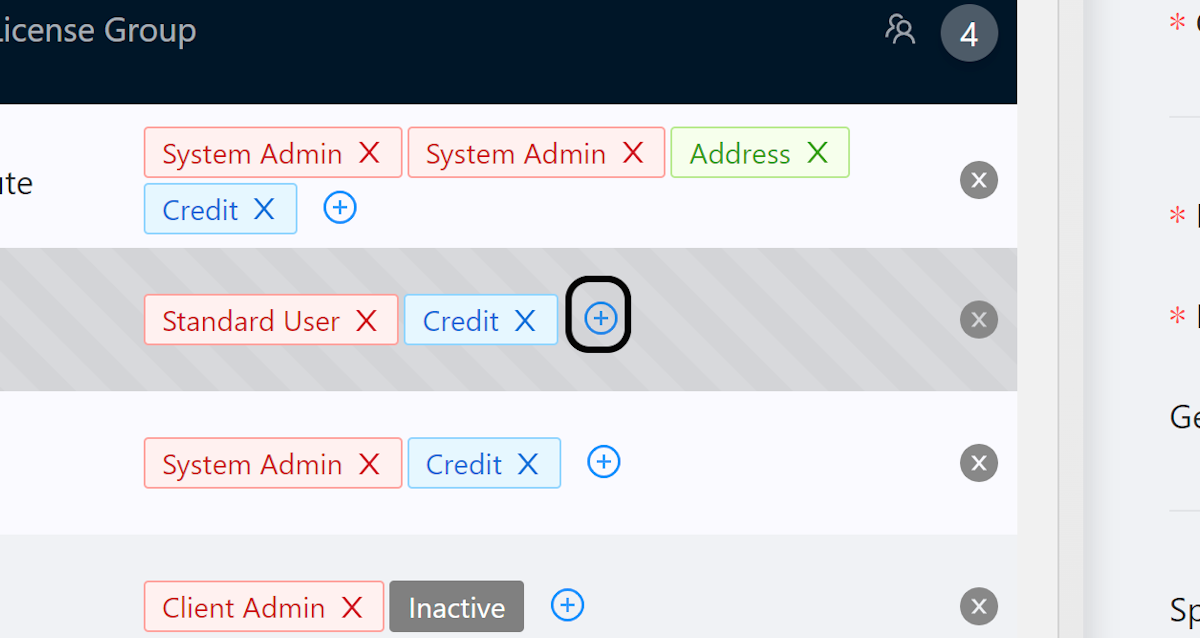
Click on plus-circle

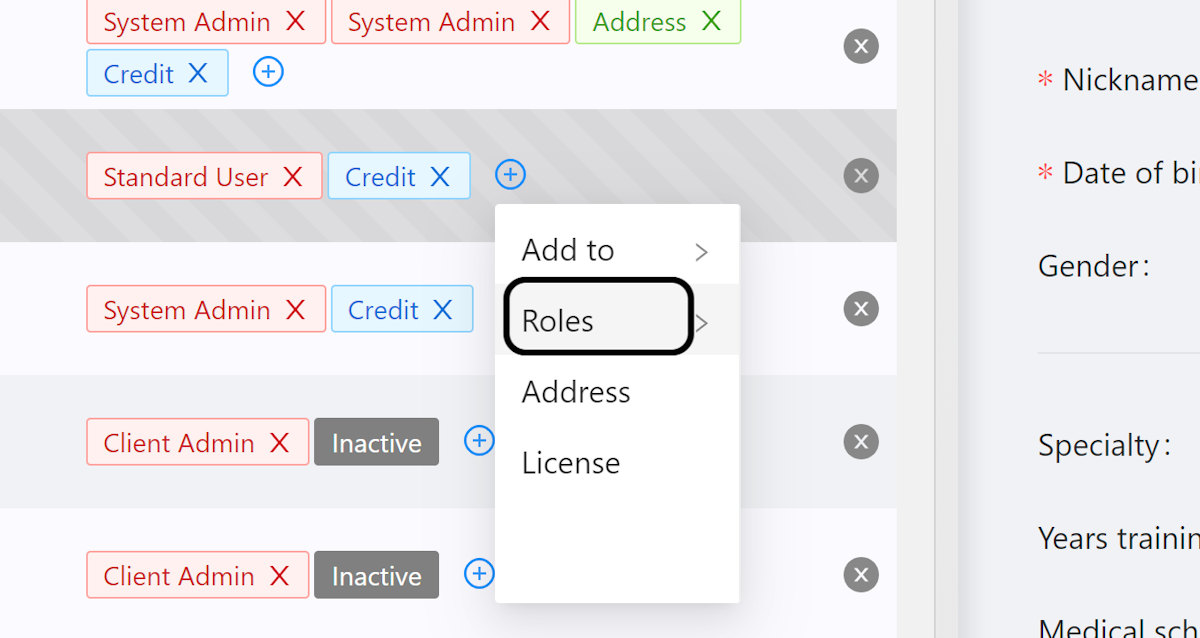
3. Select roles

Select roles

4. Select User Role

Select the role you would like to assign to the user
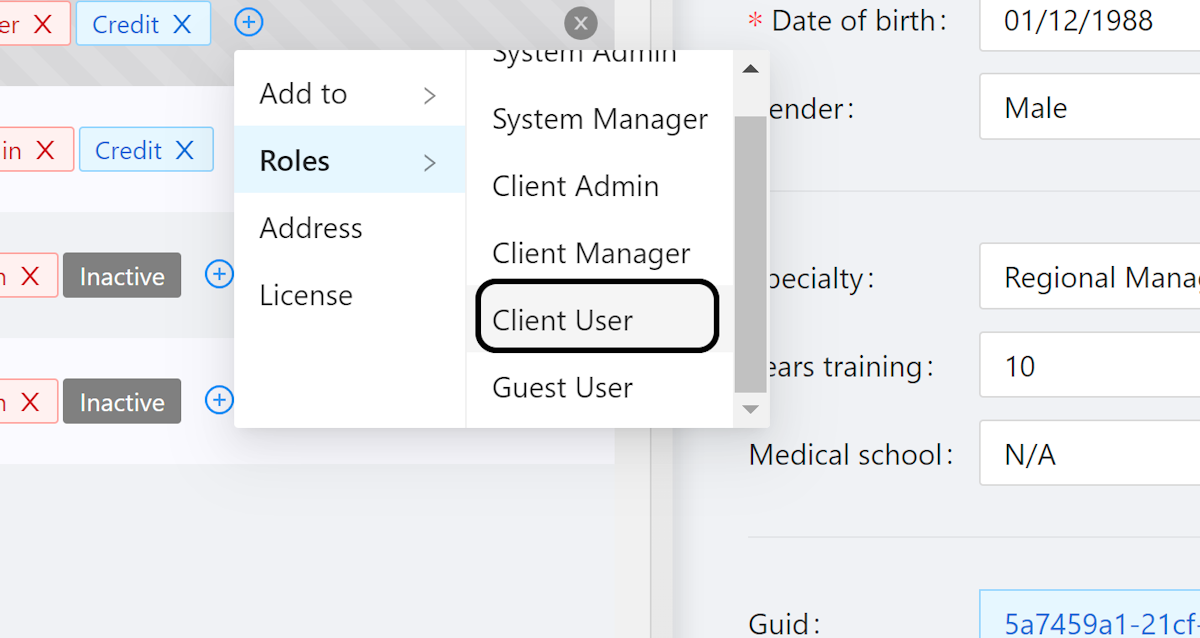
Select the role you would like to assign to the user

5. Role Assigned Notification

You should see the role assigned notification.
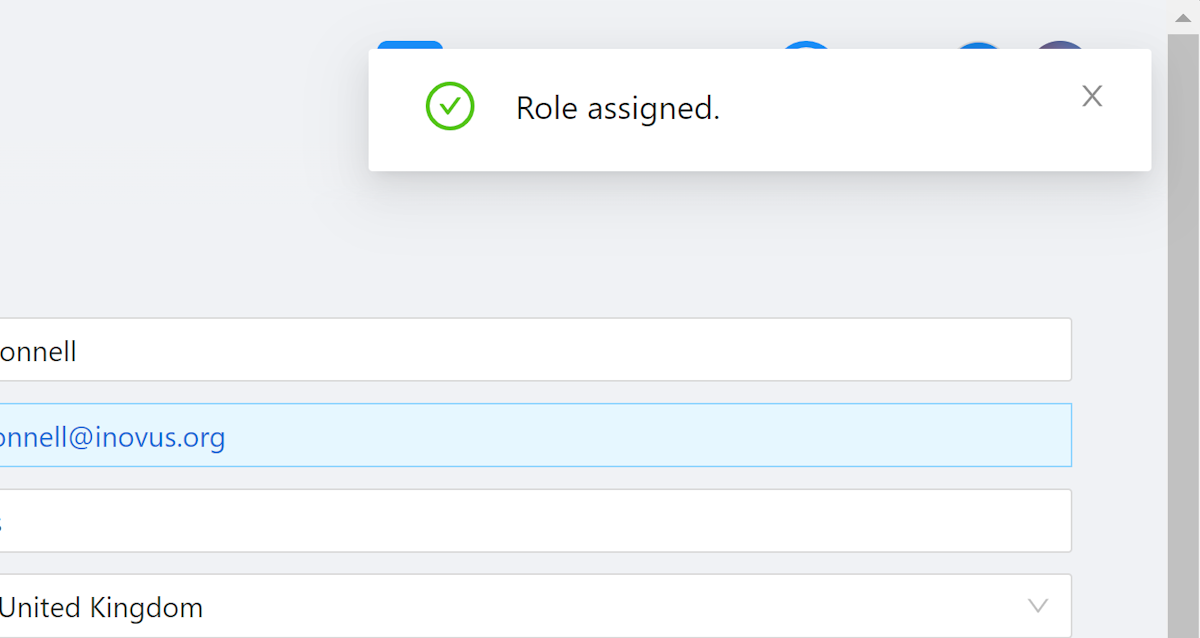
You should see the Role assigned notification.

Community Discussions (0)

Real-world experiences from other users around this article.

Explore Community Discussions→·Ask a Question

Did this solve your problem?

Contents

  • 1. Go to Groups – Totum
  • 2. Click on plus-circle
  • 3. Select roles
  • 4. Select User Role
  • 5. Role Assigned Notification