

Guide
Consumable drawdowns
Draw down Totum credits to request consumable models.
Overview
Easy•3–5 mins
Credit Bundle#credits#drawdownsUpdated 18/10/2026
1. Go to Drawdowns – Totum
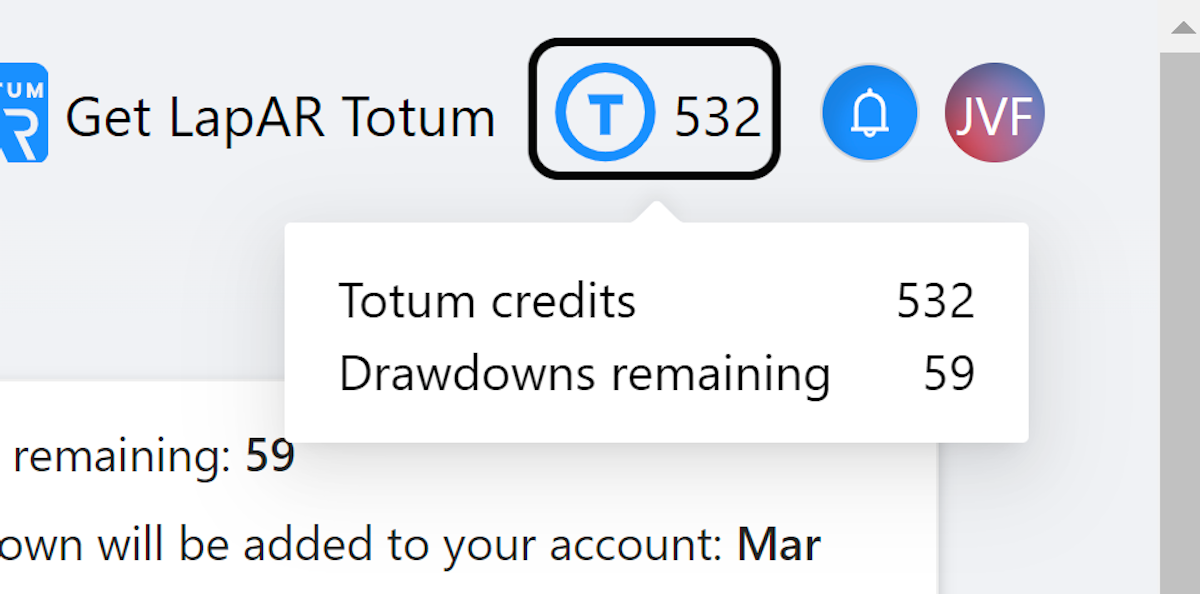
2. Click Totum Credit Icon
Click the Totum Credit icon in the top right.
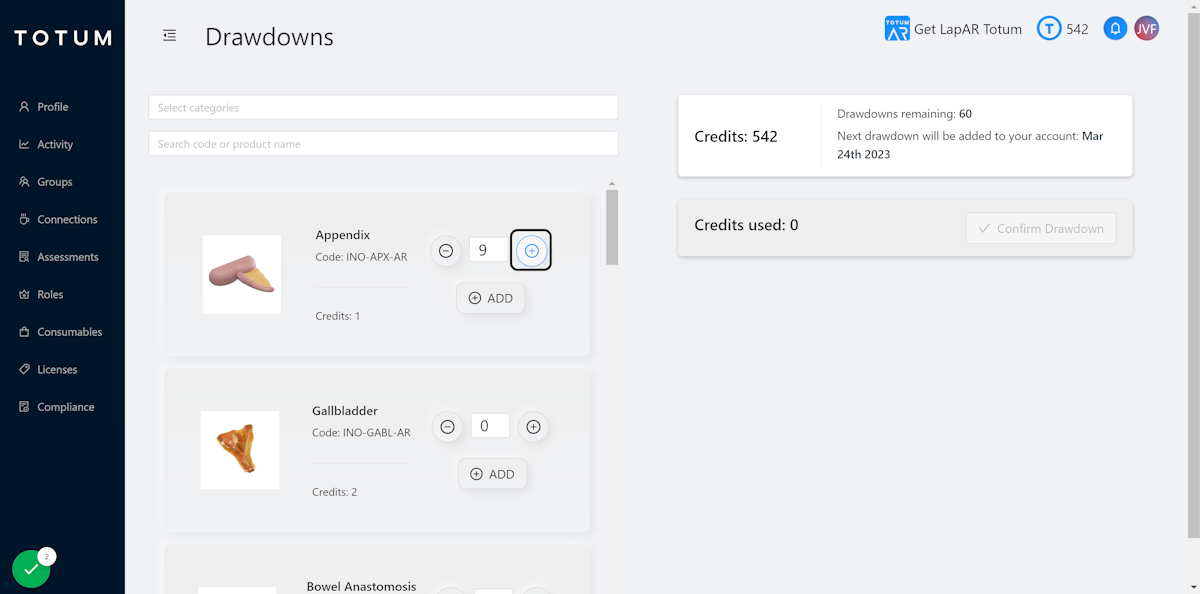
3. Increase Model Count
Click the plus icon to increase the number of models you would like to draw down.
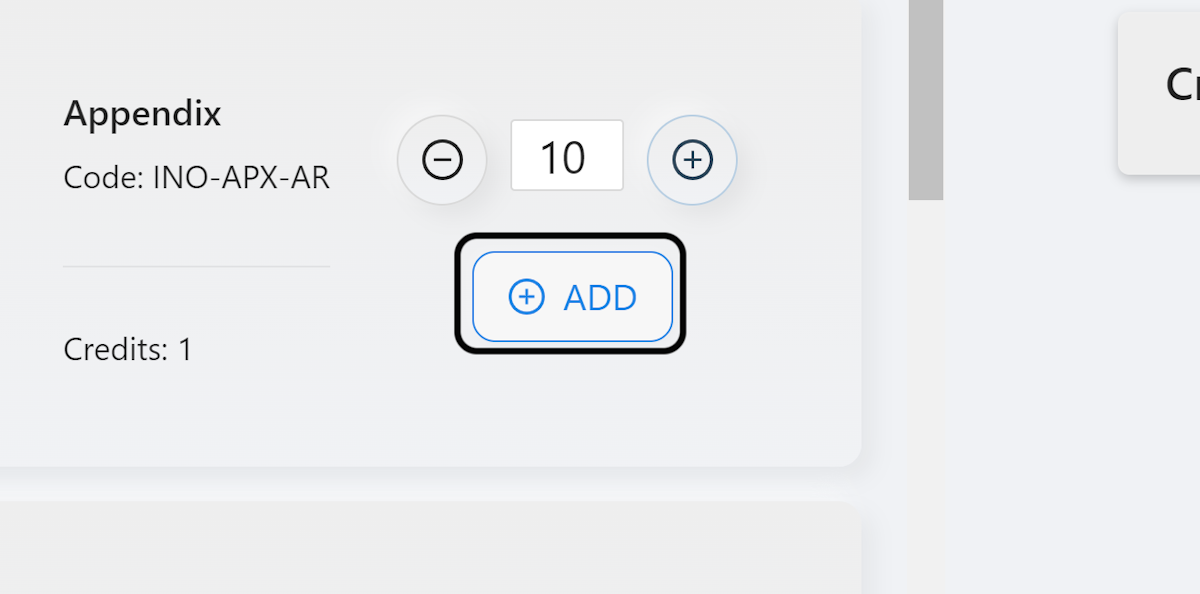
4. Click on ADD
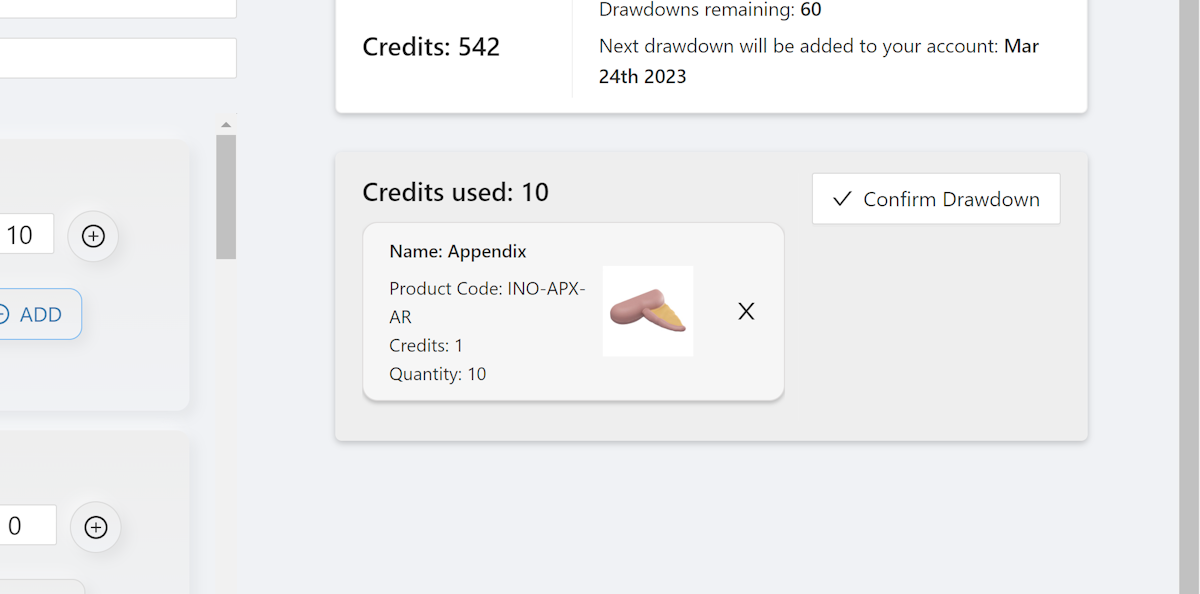
5. Items in Checkout
Items will now appear in the checkout area.
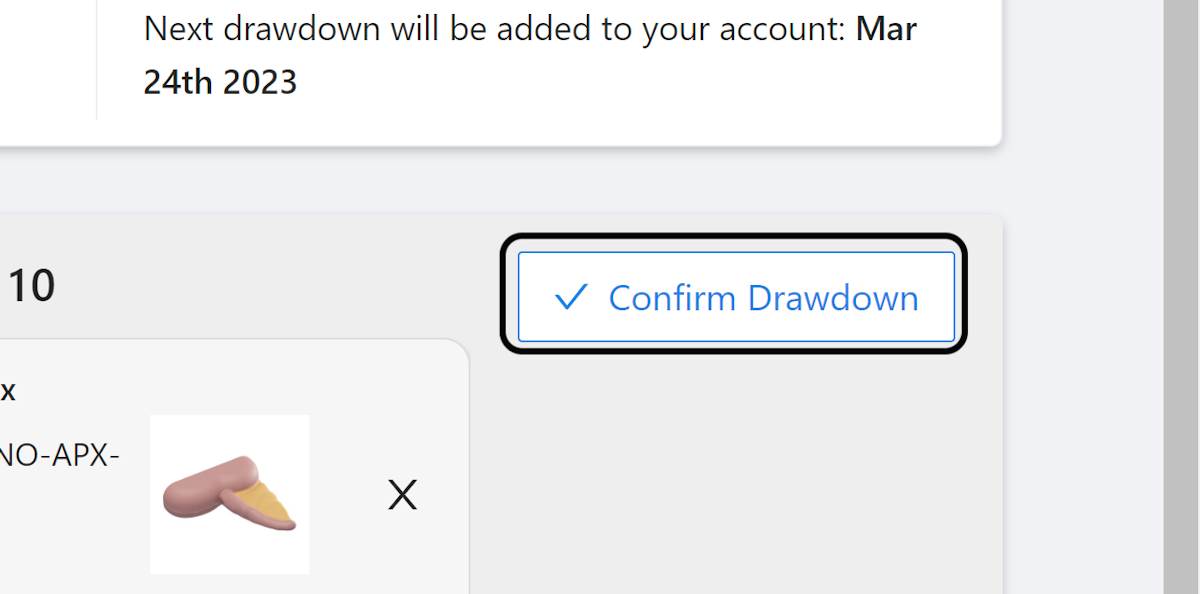
6. Click on Confirm Drawdown
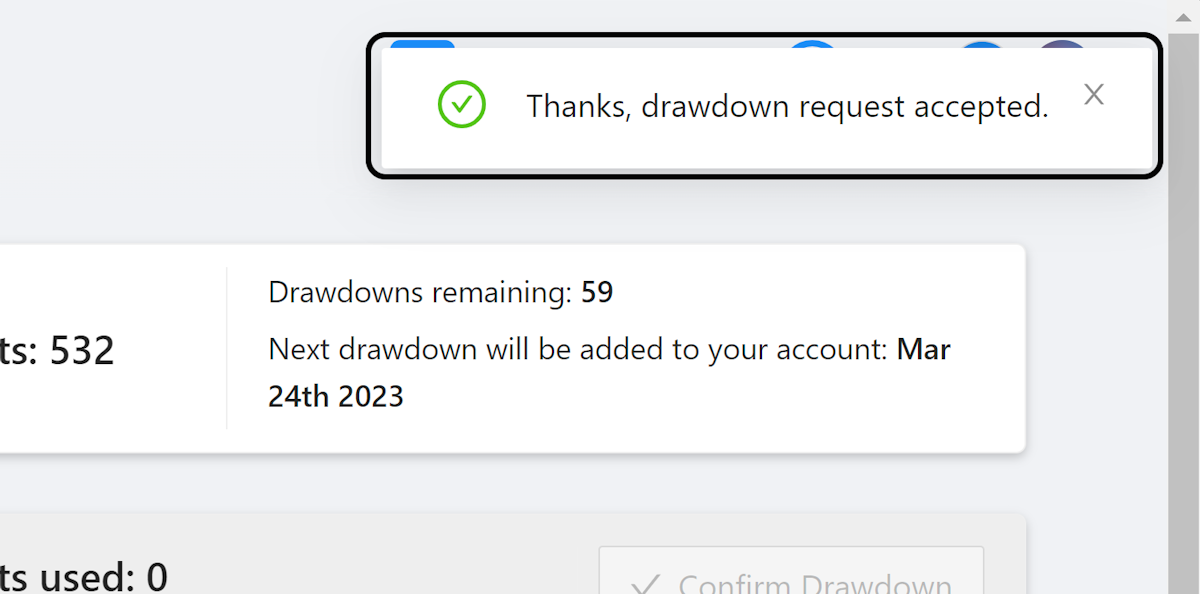
7. Drawdown Request Accepted
You will see a notification that reads ‘Thanks, drawdown request accepted’.
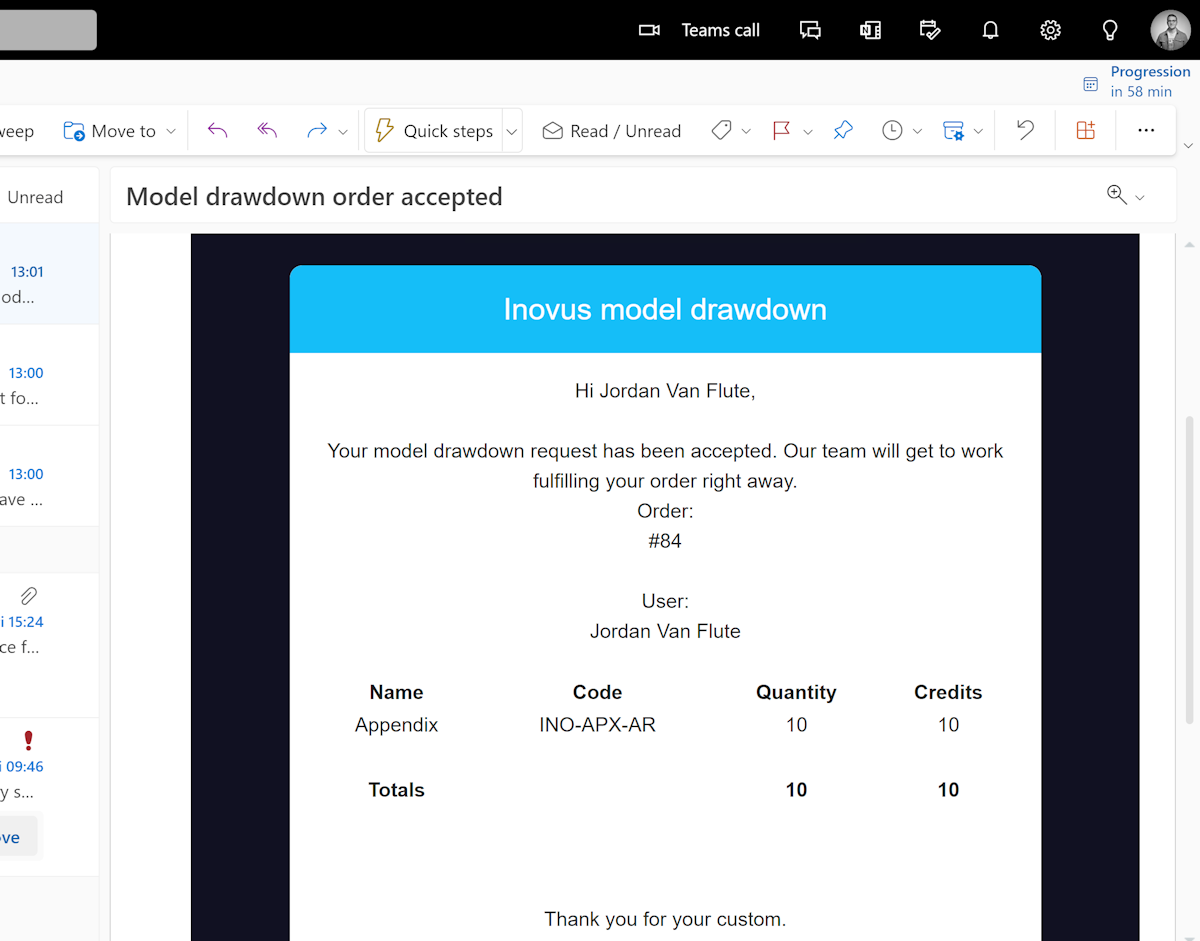
8. Receive Confirmation Email
You will also receive a confirmation email.
Related articles
Community Discussions (0)
Real-world experiences from other users around this article.
Did this solve your problem?