

Guide
Reset Password
Reset a forgotten Totum password from the login screen.
Overview
Easy•3–5 mins
Requirements
Internet
#password#login#accountUpdated 18/10/2026
Reset your password
Totum
1. Go to Login – Totum
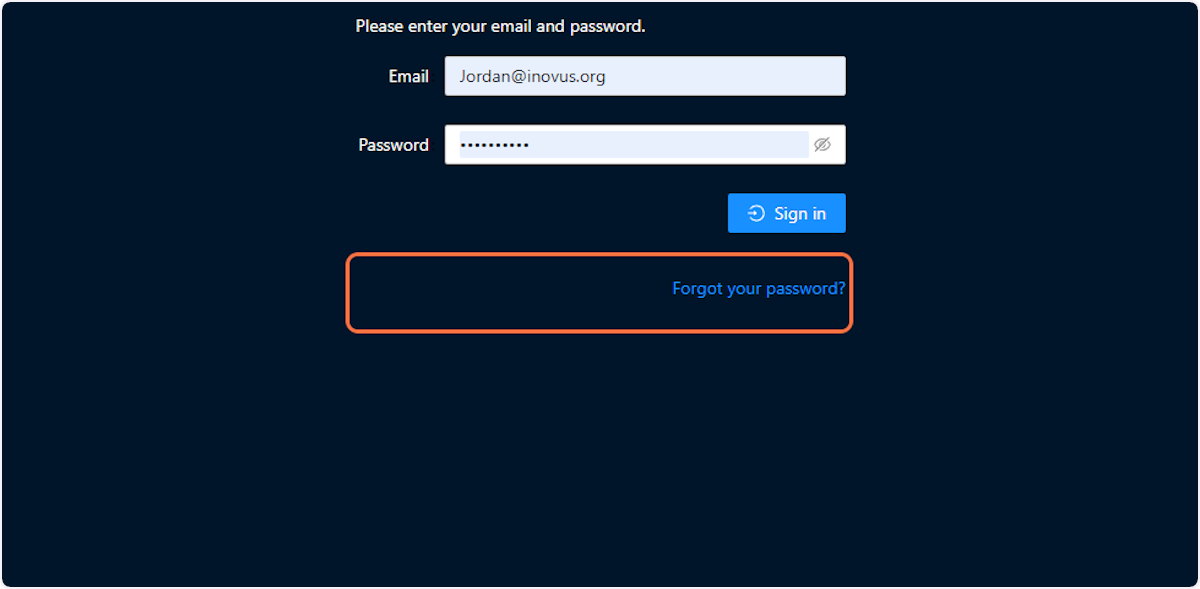
2. Click on Forgot your password?
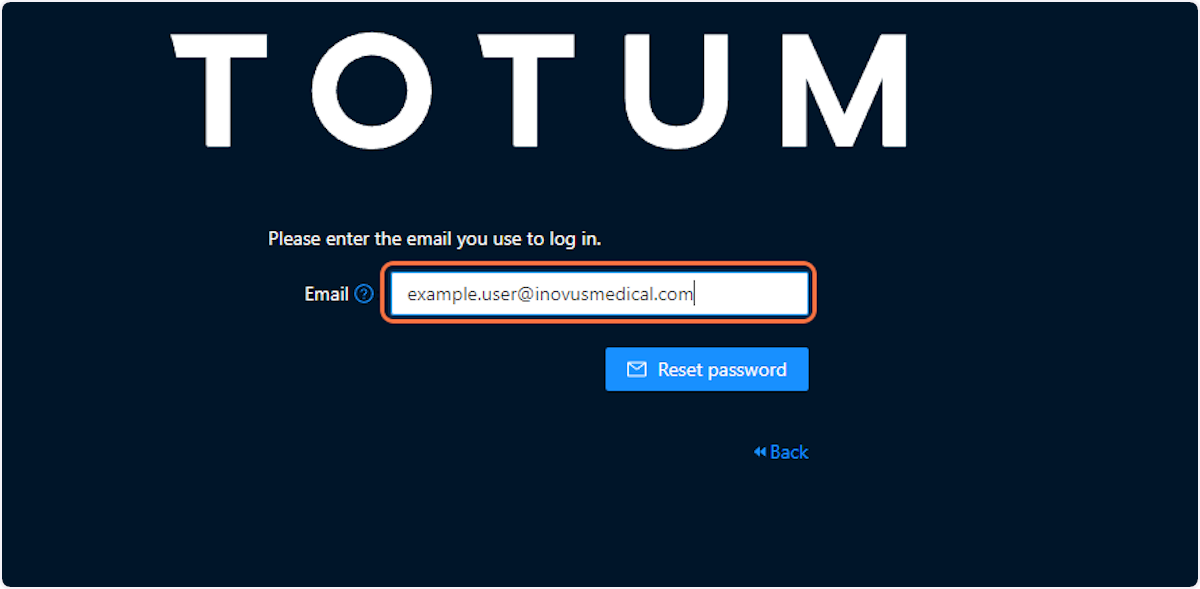
3. Type your registered email
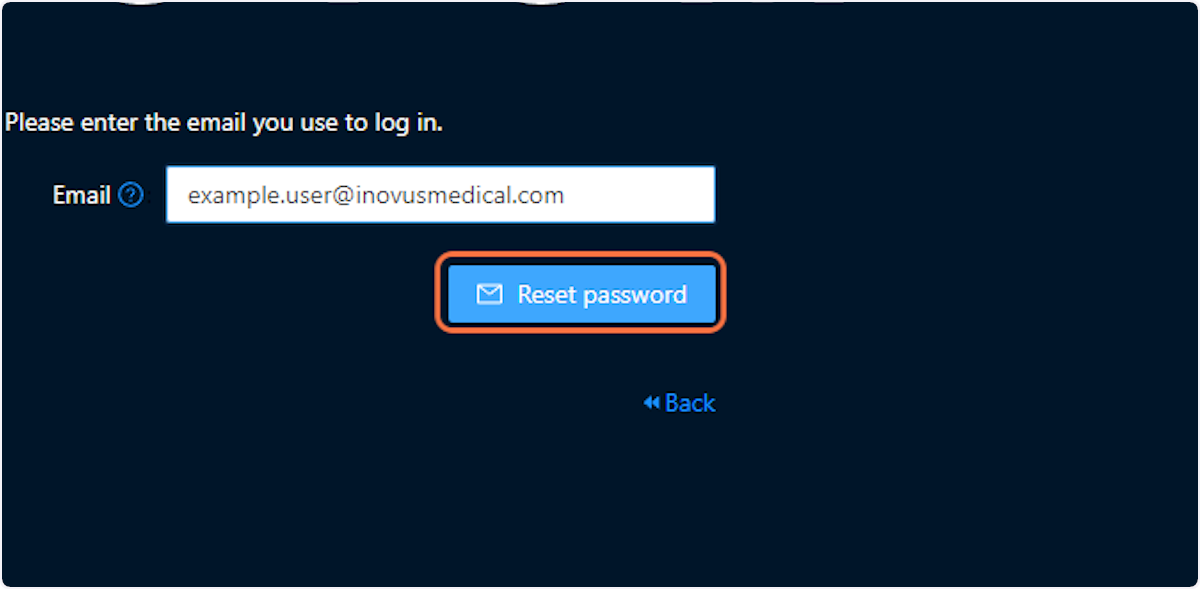
4. Click on Reset password
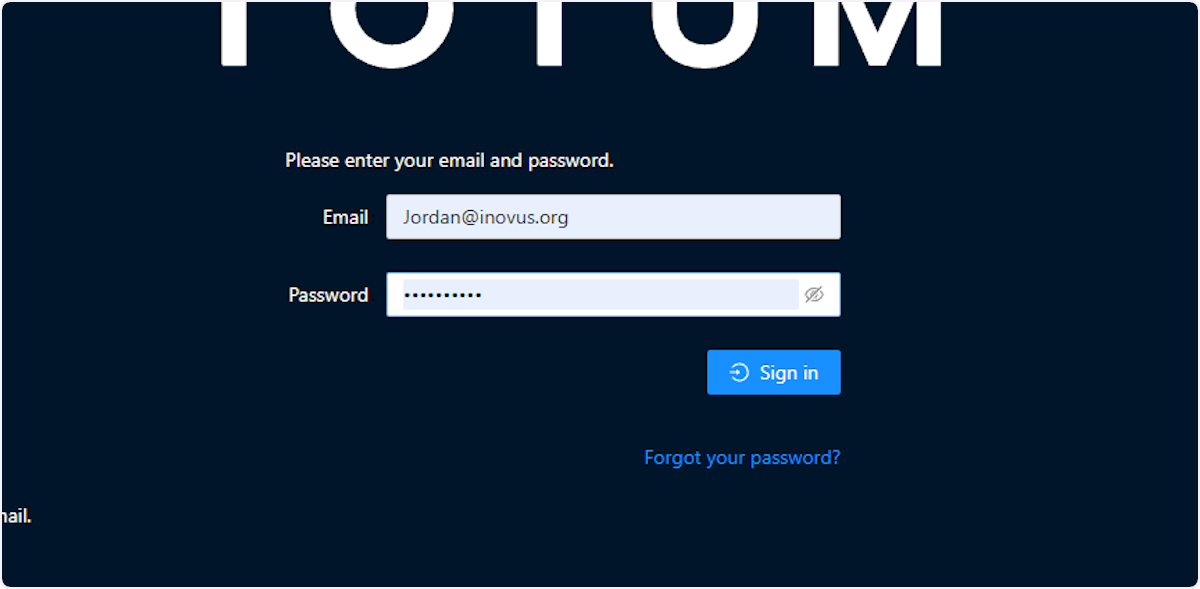
5. Reset Password Link
After returning back to the login page, go to your emails and follow the link you have received to reset your password.
Community Discussions (0)
Real-world experiences from other users around this article.
Did this solve your problem?